

GPTZero
代替候補のひとつ
ライティング
Check writing for AI-associated patterns and review sentence-level findings
AI DetectionWriting Review
Check multilingual text for AI patterns and plagiarism with explainable findings
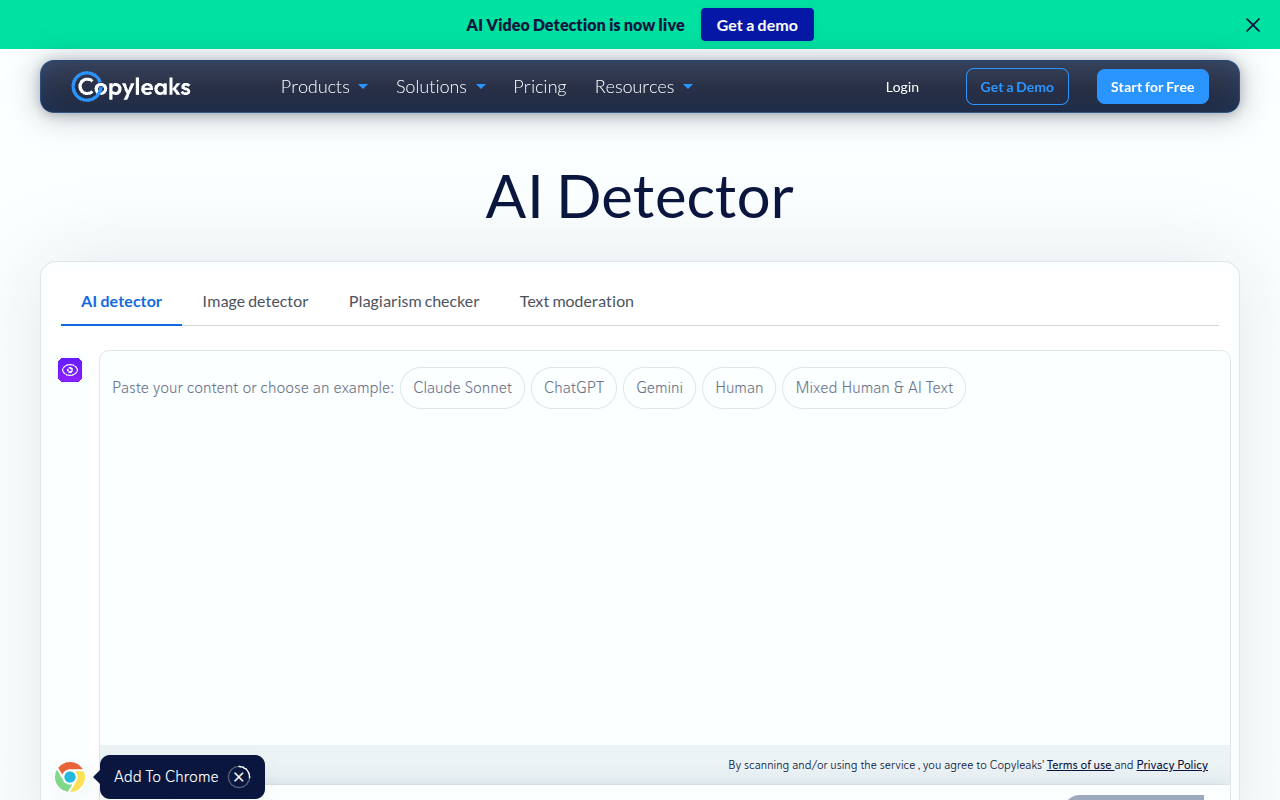
Copyleaks checks text for AI-generated passages and plagiarism across more than 30 languages. Its AI Logic explains detection signals, while browser extensions, LMS connections, and APIs let educators and organizations add scans to existing review workflows.
更新日
2026-10-26
対応プラットフォーム
Web / Chrome Extension / Edge Extension / API / LMS
お試し
New users receive limited free scan credits, while Personal and Pro subscriptions add fuller access; education and enterprise API or LMS pricing is handled through sales.
* 料金は参考情報です。最新の料金は公式サイトをご確認ください
Check supported-language writing for patterns associated with AI-generated passages, including text that mixes human and AI input.
Review why a passage was flagged and inspect highlighted phrases instead of receiving only an unexplained document-level result.
Check for plagiarism and paraphrased material alongside AI indicators to give reviewers a broader view of text originality.
Bring scanning into browsers, learning platforms, or custom systems so teams can review submissions in familiar workflows.
Review student work with AI and plagiarism checks, then inspect highlighted passages before discussing authorship.
Screen content written in supported languages and examine the signals behind passages flagged as AI-generated.
Add AI detection to learning workflows through available integrations instead of asking instructors to switch tools.
クイックスタート
Scan a representative sample in the language you review, then note the detector's highlighted passages and overall findings.
Open AI Logic for a flagged passage and inspect its explanation before discussing the result with its author.
Connect the browser extension or LMS integration for recurring submission reviews.
実践のコツ
Core tip: Use AI Logic to inspect a reason, not to certify authorship. Do check the highlighted text and its context; don't treat an explanation as independent proof or assume every supported language behaves identically. For a high-stakes review, follow the same human review process you would use for any detector.
No. AI Logic explains signals behind a flag, but an explanation is still part of a detector result rather than independent proof. Review the passage in context and consider other evidence before making a consequential decision.
The site describes detection of AI passages, but a flagged section cannot establish who contributed each sentence. Use passage findings to guide a closer review, then compare with drafts or ask contributors for context.
Language coverage does not by itself guarantee identical performance across languages or writing styles. Test representative material in the language you use and keep a human review step for important decisions.
このツールが合わない場合は、次の代替候補をご覧ください

