
Dify
代替候補のひとつ
開発
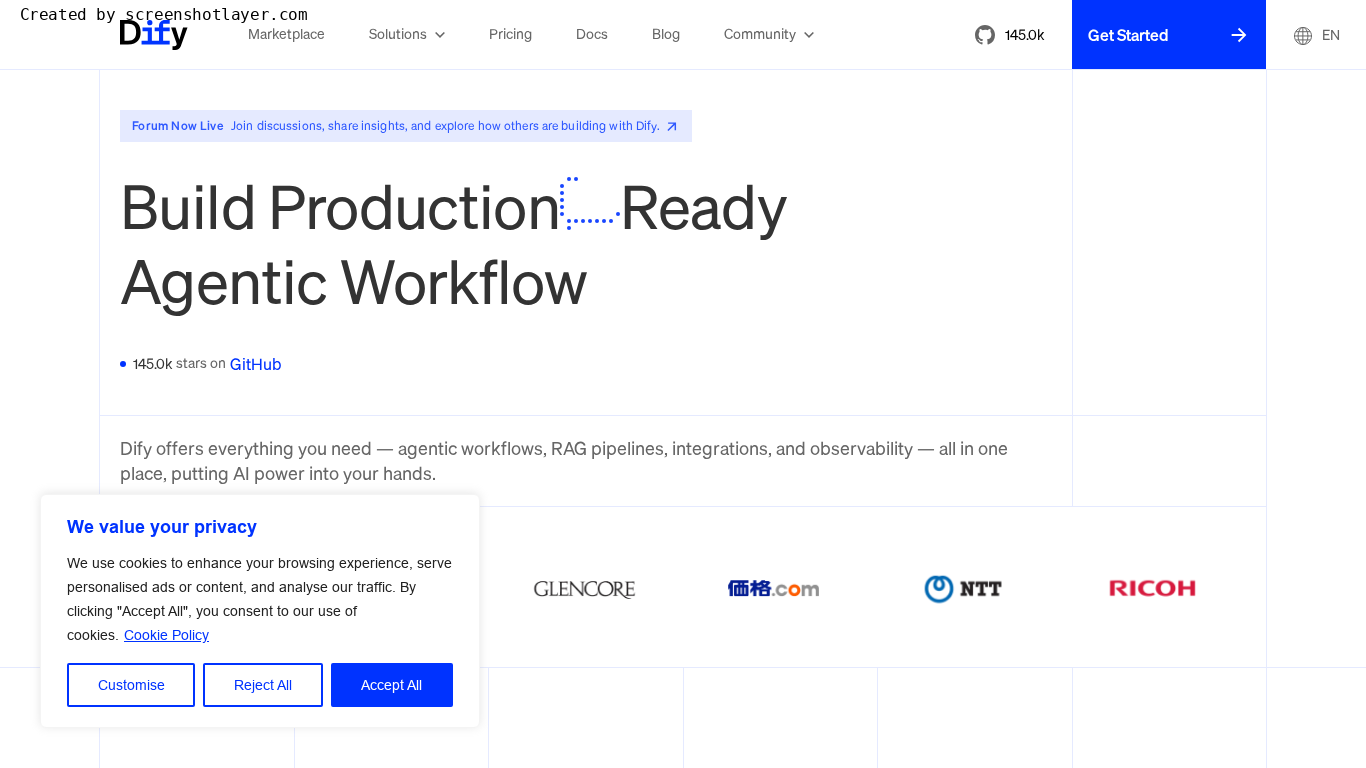
DifyはAIアプリ開発者や技術チームがエージェントワークフローを構築するのを支援します。
エージェント自動化
Visually build and automate AI-powered workflows across 3,500+ apps without code
Make is a no-code platform for visually building, scaling, and automating AI and agentic workflows across 3,500+ apps, with custom integrations for anything that has an API. Teams build by prompt, drag-and-drop, or MCP, and run AI agents under role-based access and observability controls.
更新日
2026-10-21
対応プラットフォーム
Web
お試し
Freemium: the free plan includes enough credits and active scenarios to build and run real automations, with no credit card and no time limit. Paid plans scale with usage, and Enterprise adds SSO, role-based access, and audit logs. Pricing amounts are not listed on the homepage; confirm current plans on the official pricing page.
* 料金は参考情報です。最新の料金は公式サイトをご確認ください
Design automations on a visual canvas, build them from a prompt, or run them from Claude, ChatGPT, or Gemini.
Connect your whole tech stack out of the box and add custom integrations to anything with an API.
Stay in control of every agent and automation your teams build with real-time analytics and audit logs.
Add custom code to scenarios when built-in modules are not enough for advanced requirements.
Connect SaaS tools and internal APIs into reliable automations without waiting on engineering.
Sync leads, content, and campaign data across 3,500+ apps and the latest AI models.
Extend scenarios with custom code, MCP, and API integrations, and ship agentic workflows for clients.
クイックスタート
Pick one painful, repetitive task and rebuild it as a single scenario, using the prompt-based builder for a first draft instead of wiring every module by hand.
Run the scenario manually until it succeeds twice in a row, then switch on scheduling. A workflow that has never run clean once should not run on a timer.
Add the error path before adding more steps: route failures to a notification or a stop module, otherwise a broken run silently stays green.
実践のコツ
Operations rarely fail on the happy path, they fail on the second and third run. Use custom code steps for anything that needs real branching or data reshaping instead of stacking extra routers, and keep credentials and rate limits inside the built-in app connectors. When a scenario gets past roughly ten modules, split it into smaller scenarios that call each other, so one failure does not take down the whole chain.
このツールが合わない場合は、次の代替候補をご覧ください