
Khanmigo
代替候補のひとつ
学習
Khanmigoは、カーンアカデミーのAIチューターアシスタントで、生徒がパーソナライズされた指導を受けて学習できるように支援します。
教育チューター

無料の視覚的な宿題ヘルパーで、概念を説明し、学生を問題の解決に導きます
GoogleのSocraticは、無料のAIの宿題と勉強のアシスタントです。学生は数学、科学、歴史などの科目の問題を撮影したりタイプしたりして、説明、指導された解決ステップ、視覚的な概念、関連する教育動画を見つけることができます。
更新日
2026-09-10
対応プラットフォーム
iOS / Android
無料
ソクラテスは無料で使用でき、サブスクリプションやアプリ内購入は不要です。利用可能プラットフォーム、対応科目、アプリ機能はプラットフォームや地域によって異なる場合があります。現在のアクセス方法については、Google PlayまたはApp Storeでご確認ください。
* 料金は参考情報です。最新の料金は公式サイトをご確認ください
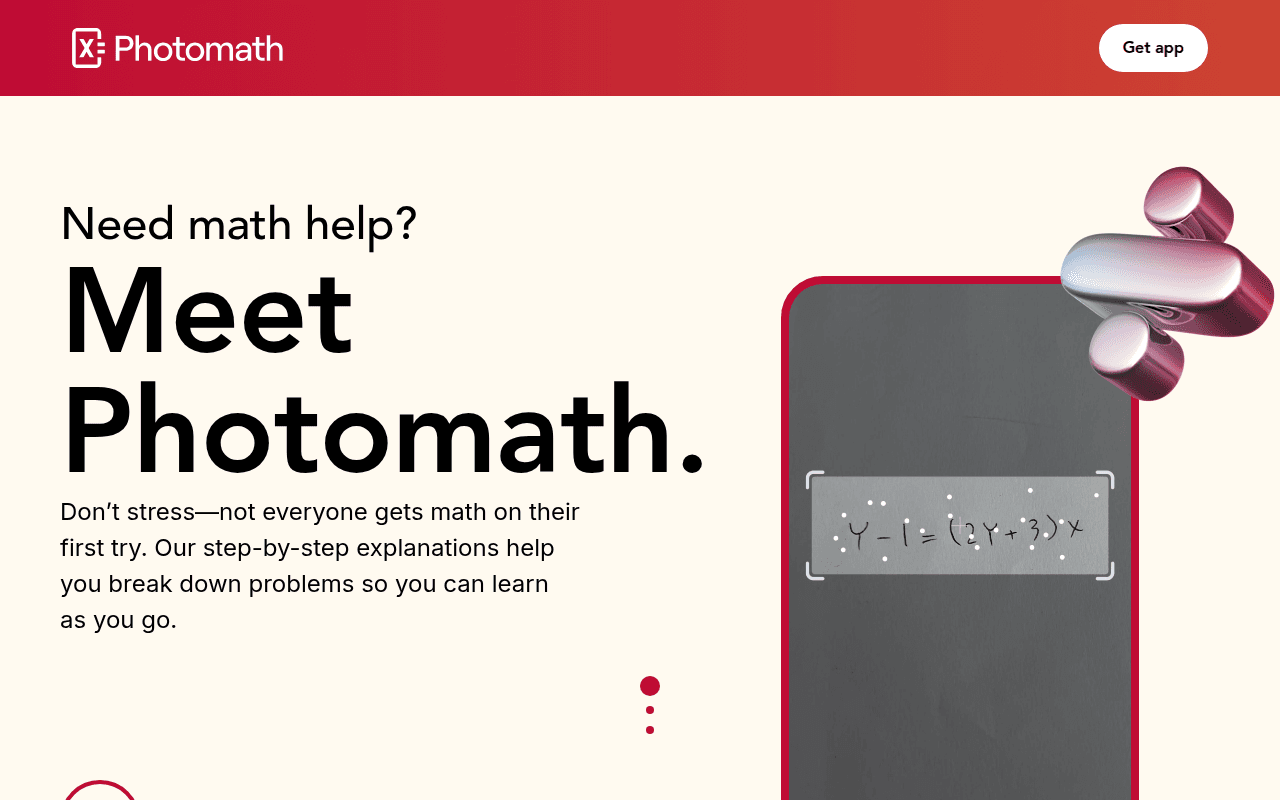
宿題の質問をキャプチャするか、手動で入力してガイド付き検索を開始します。
数学、科学、歴史、言語のトピックについて分かりやすい説明を見つけます。
難しい問題を理解しやすい解決アイデアと学習ステップに分解する。
質問と視覚的な参考資料、教育動画をマッチングさせて、さらに学習を進めます。
難しい数学、科学、または人文科学の問題を写真に撮って、明確な解説や学習リソースを見つけましょう。
問題解決のロジックを確認し、単に答えを教えるのではなく、視覚的な説明を用いて子供をサポートする。
学生を指導する際には、概念の説明、図解、動画を補助教材として利用してください。
クイックスタート
Photograph the question text itself rather than the whole page, so the search matches the right problem type.
Open the concept card before the answer card; the explanation is what remains after the homework is gone.
Tap through to the suggested video when a topic is new, instead of reading three separate text explanations.
実践のコツ
Core tip: use it to locate the gap, not to finish the sheet. A scan points at the topic and the method; copying the rest takes minutes and teaches nothing. Work the problem on paper first, then compare where your reasoning differs from the explanation.
The official Socratic URL now leads to Google Lens, whose current page includes step-by-step homework help. Follow the current Lens experience rather than assuming older app screens and instructions still apply.
No. Google's page describes finding explainers, videos, and web results for a problem. Compare the reasoning with a trusted course source and check each step before relying on the result.
Google says Lens can use a camera, image, or screenshot to search and provide homework help across subjects. Review the matched question and source material to ensure it recognized the right problem.
このツールが合わない場合は、次の代替候補をご覧ください