Navify AINavify AI

AI tools curated for creators, developers, marketers, and modern teams.

Navigate

  • Home
  • About
  • Submit Tool
  • Topics
  • Sitemap
  • Browse all AI tools
  • Partners

Legal

  • Terms of Service
  • AIGC Content Standards
  • Privacy Policy
  • Refund & Cancellation Policy
  • Cookie Policy
  • Contact Us

© 2026 NavifyAI. All rights reserved.

NavifyAI - Search, compare, and find the right AI tools in one place. | Product HuntFeatured on FazierFeatured on Twelve ToolsNavifyAI - Featured on Startup FameNavifyAI — Featured on Smol Launch

Built for creators

Navify AINavify AI
AboutSubmit Tool
Find the best AI Tools
to bring your ideas to life

Handpicked AI apps, precisely categorized to boost your workflow.

Try "image generation"…Try "image generation" or "video generation"…
🔥 Featured topics:How to Choose a Local AI Coding AssistantAnime AI Character Chat & Story CreationView all →

Browse AI tools by category

AllChatImageVideoCodingWritingResearchProductivityLearningDataDesignAudioEntertainment
All

AI 3D Generation Tools

Explore AI tools that create 3D models and textures from text or images. Compare geometry, materials, mesh quality, and export formats for games, art, and product visualization.

How to choose

  • Pick by output: concept meshes depend on speed and shape accuracy, game and render assets depend on topology and texture quality, and product visualization depends on exporting common formats into your pipeline.
  • Confirm formats and toolchain: OBJ/GLB/FBX/USD export and smooth handoff to Blender, Unity, or Unreal decide whether models are directly usable.
  • Set expectations: current output usually needs cleanup and retopology before production, so treat it as a way to accelerate drafts and ideas.

Explore the AI tools directory

2 tools found

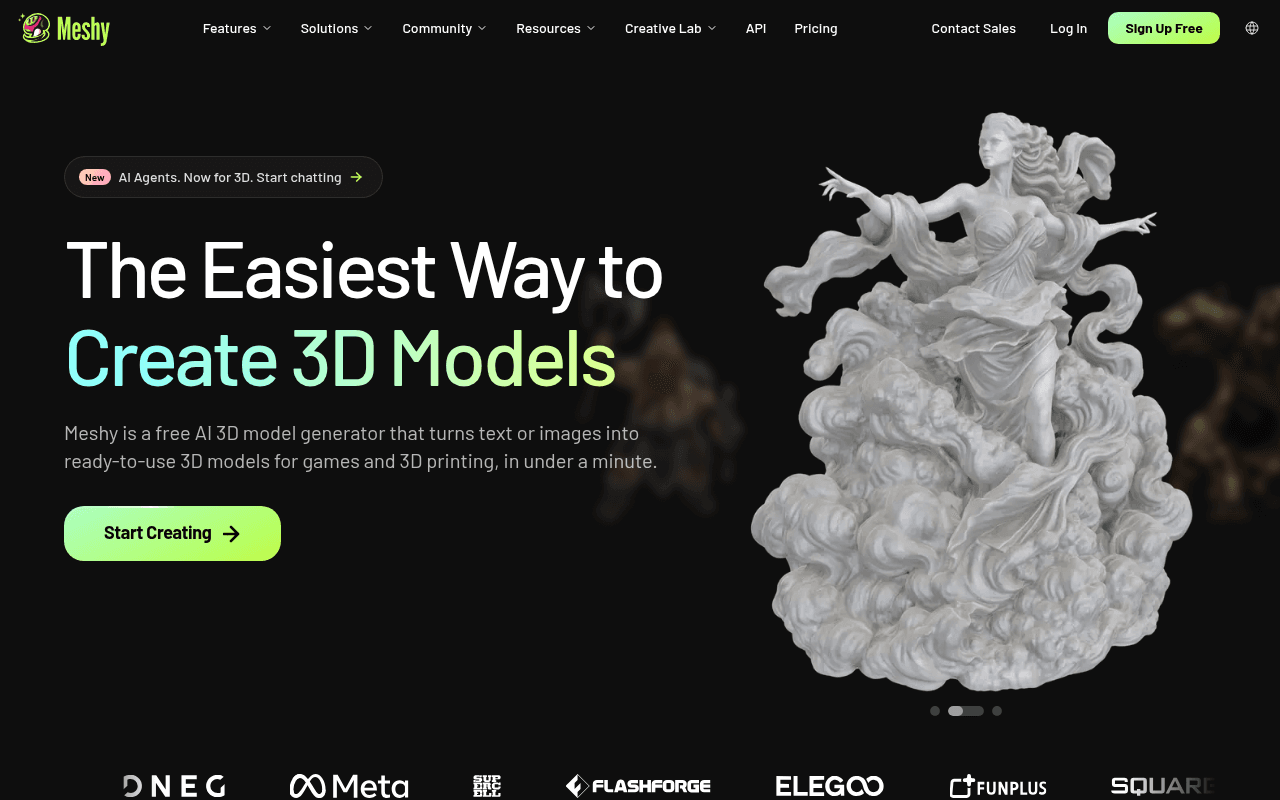
Meshy

Freemium
Image

Free AI 3D generator — text or images to ready-to-use 3D models in under a minute.

3D3D Generation

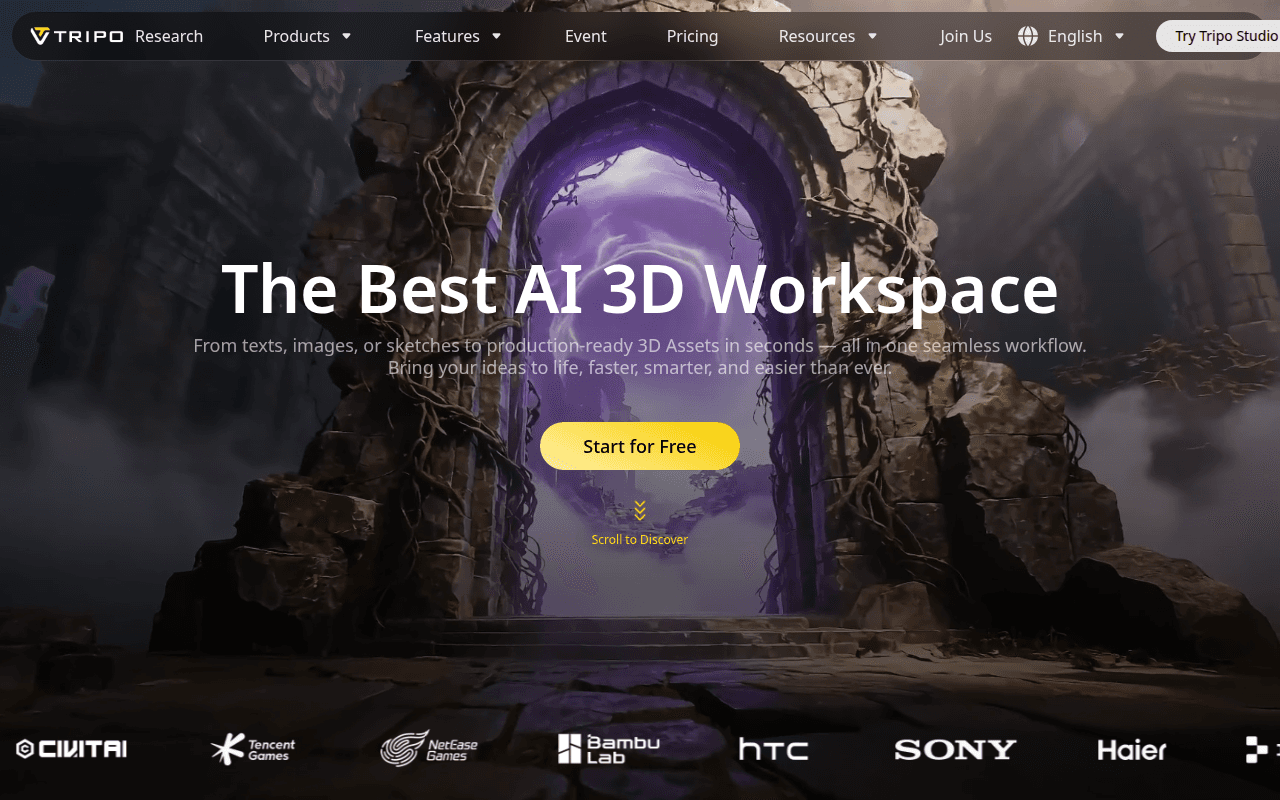
Tripo AI

Freemium
Image

AI 3D workspace — text, images, or sketches to production-ready 3D assets in seconds.

3D3D Generation

Frequently asked questions

Is generated 3D production-ready?

Concept presentation is already fine, while production assets typically need retopology, UV work, and material tweaks. Teams use generations as a base and refine in Blender, saving significant drafting time.

What inputs are supported?

Text and single or multiple images are mainstream, with some tools supporting sketches or multi-view reconstruction. The clearer the input, such as multiple views on clean backgrounds, the more reliable the geometry.

Can models be used commercially?

Licenses for generated 3D assets vary: some allow commercial use with a subscription, others restrict resale. Check terms before games or product displays and keep generation records for key assets.