Pixlr
Image
Edit, generate, and enhance photos in the browser from one AI workspace
Photo Editing
Handpicked AI apps, precisely categorized to boost your workflow.
Browse AI tools by category
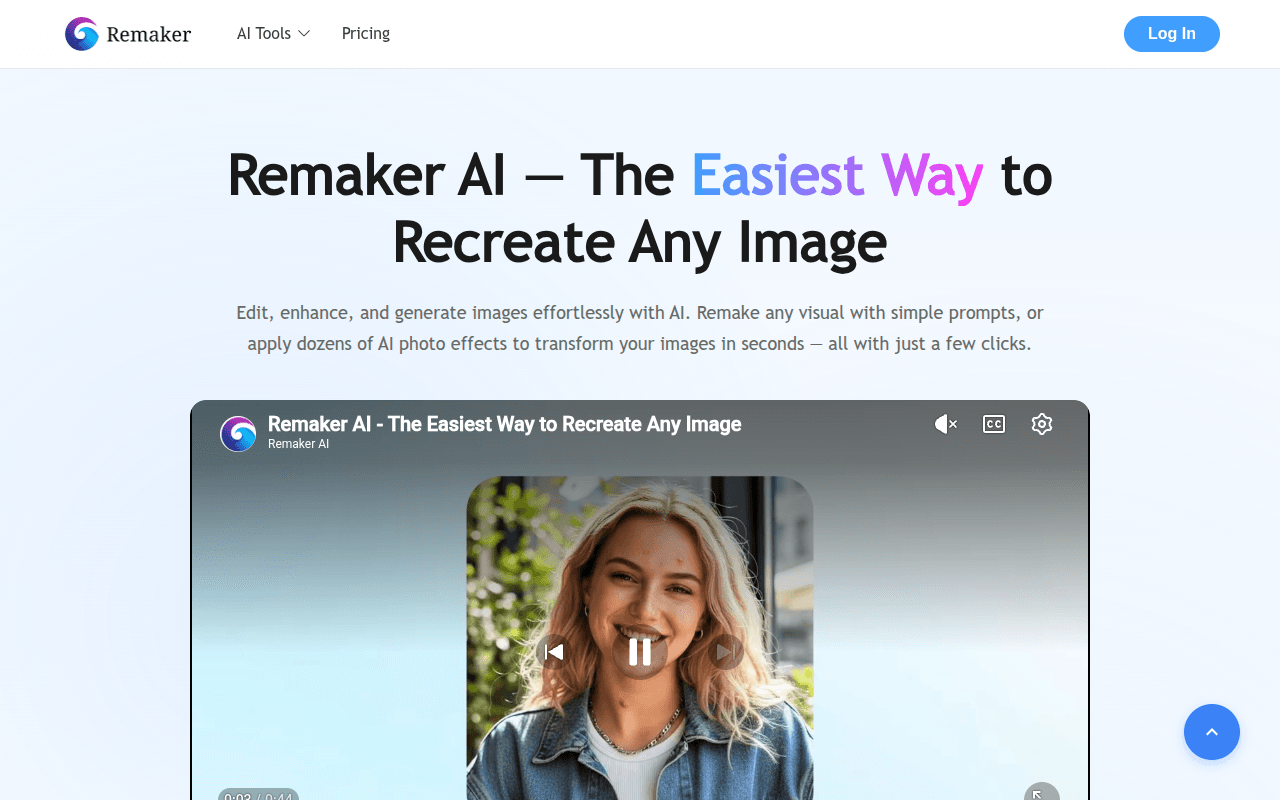
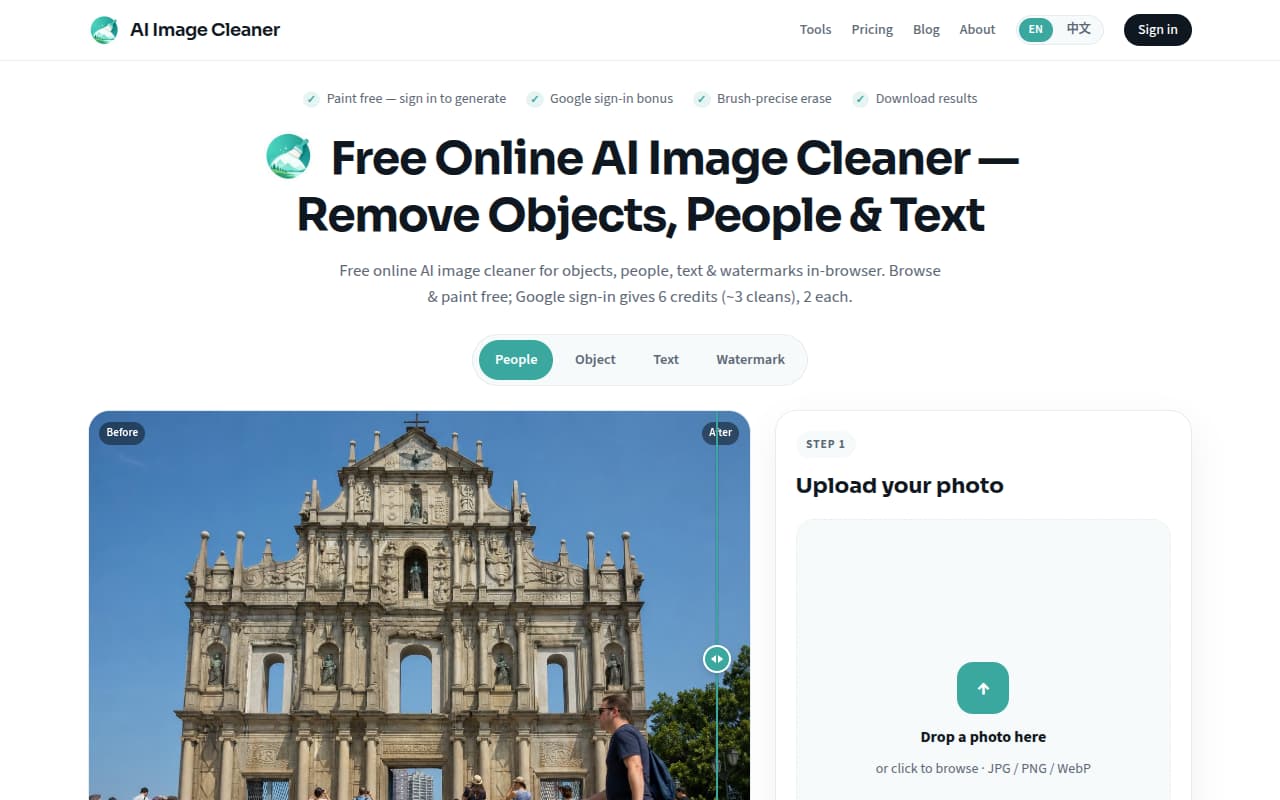
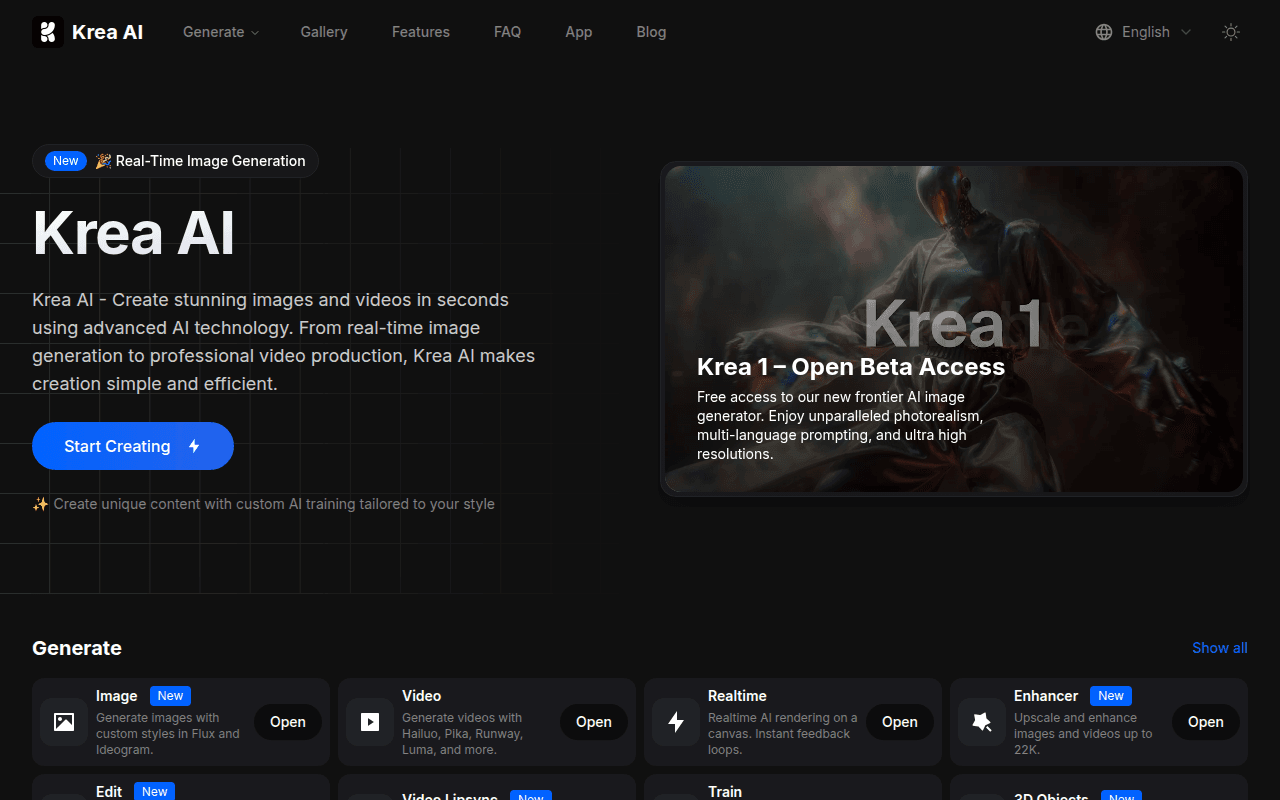
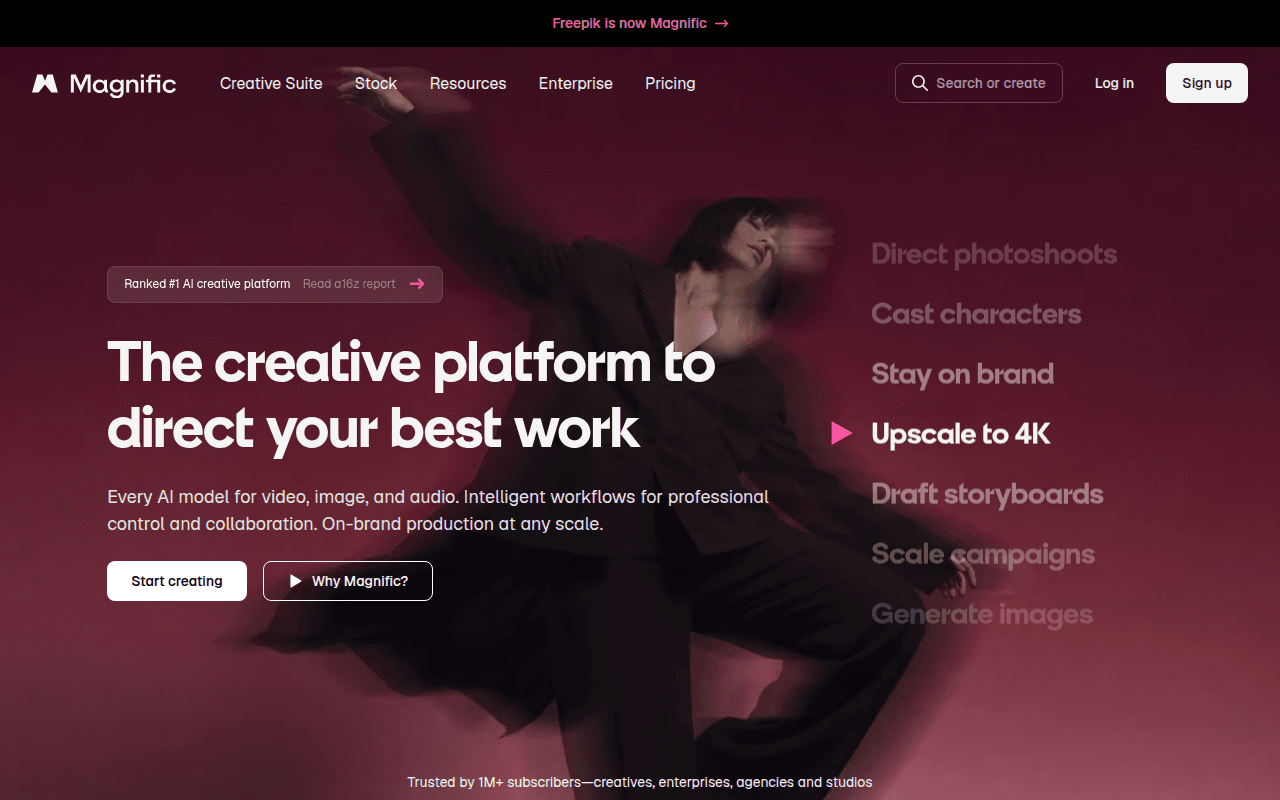
Find AI tools for background removal, object cleanup, outpainting, photo restoration, and upscaling. Compare core editing features and choose a tool for your workflow.
How to choose
Cutout tools are faster and focus on isolating a subject onto transparency. Full editors add layers, retouching, object removal, and generative fill. Choose the former for a single task and the latter when you keep editing afterwards.
Automatic fixes for scratches, noise, and blur are mature, but facial details may be repainted rather than restored. Back up originals and compare faces against the source for important photos.
Check whether uploaded images train the model or are retained after processing. For portraits and commercial material, prefer services that clearly state no retention or offer enterprise terms.