
Canva
Alternative option
Design
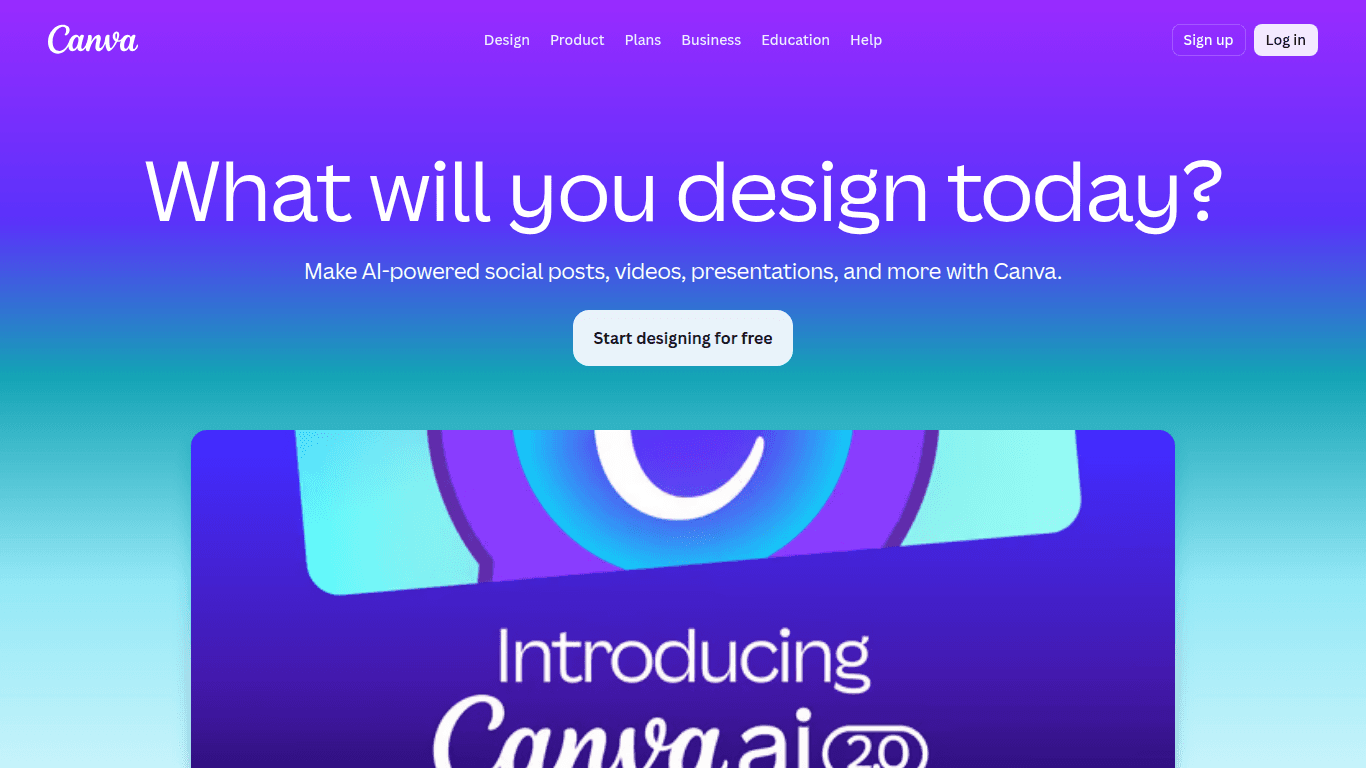
Canva is an online design platform with AI-powered tools for creating graphics, presentations, and documents.
DesignImage Generator

Create branded graphics, videos, and social content with Adobe Firefly AI and templates.
Adobe Express is an all-in-one cloud design and video editing platform powered by Adobe Firefly generative AI. With templates, image generation, generative fill, text effects, PDF tools, and social layouts, it helps marketers and creators produce polished content without advanced design training.
Updated
2026-10-22
Platforms
Web / iOS / Android
Freemium
Free tier: Free forever with basic templates, common editing tools, and a limited number of AI generative credits.Paid Premium plan: Approximately $9.99/month for premium assets and templates, one-click resizing, advanced AI tools, and a larger credit allowance.
* Pricing is for reference only; see the official site for current pricing.
Generate images from text and add or remove visual elements with generative fill.
Start from a large template library and customize designs for brand and campaign needs.
Edit short videos and format visual content for social channels in the same workspace.
Resize designs, edit PDFs, and create stylized text effects without switching to heavyweight software.
Produce on-brand graphics, campaigns, and resized content with templates and integrated generative AI.
Create platform-ready images, videos, and layouts quickly for recurring social publishing workflows.
Combine image generation, editing, video tools, and text effects in one accessible cloud workspace.
Quick start
Apply the brand kit before designing, so fonts, colors, and logos stay locked across every variation.
Use resize to generate the other aspect ratios from one finished design instead of rebuilding each format.
Inspect the prompt layer on generated assets and replace text or logos by hand before export.
Pro tip
Core tip: generate the background, not the product. Firefly fills and scenes look convincing until they touch real packaging or typography, which come out distorted. Keep product shots and legal text as layers you control, and use generative fill only for empty space around them.
If this tool is not the right fit, explore these alternatives