NVIDIA NIM
Coding
NVIDIA's official enterprise-grade AI model playground and fine-tuning cloud platform.
APICoding

AI-first code editor built for extraordinary productivity.
Cursor is an AI-first code editor built for extraordinary productivity. It combines the power of VS Code with deeply integrated AI — offering multi-model chat, inline code generation, agentic coding, and contextual codebase understanding. With features like Composer, tab-to-jump completions, and AI-powered code review, Cursor redefines how developers write software.
Updated
2026-05-13
Platforms
Web / iOS / Android / Windows / macOS / Linux
Freemium
Hobby: free, with limited Agent requests and completion usage.Pro: $20/month, with higher model usage and Agent limits.Pro+: $60/month, with substantially more usage for frequent coding work.Ultra: $200/month, designed for very heavy individual use with the highest included usage.Teams: $40/user/month, adding centralized billing, team administration, and privacy controls. Usage limits and model multipliers can change.
* Pricing is for reference only; see the official site for current pricing.
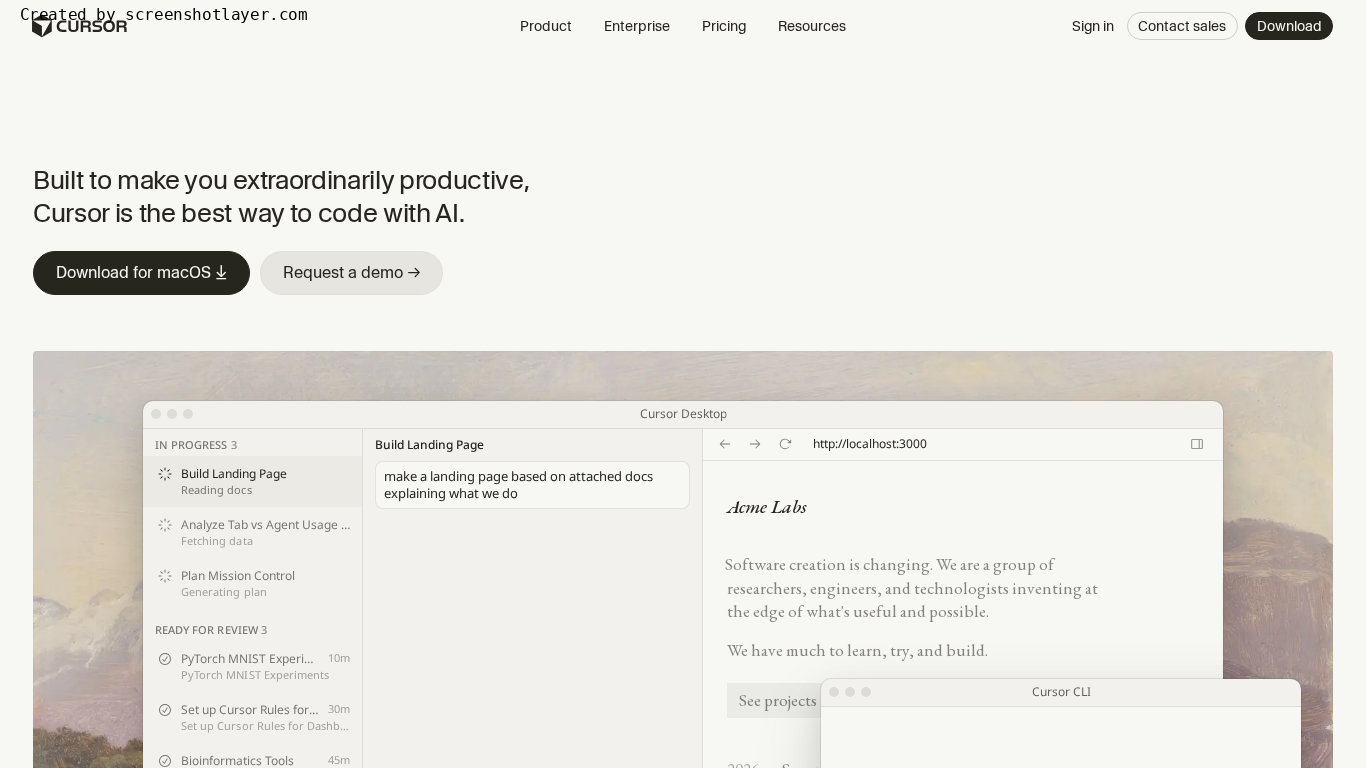
Get context-aware code suggestions as you type, with unique tab-to-jump navigation for accepting suggestions — faster than traditional autocomplete.
Switch between top AI models in one interface. Ask questions, debug code, get explanations, and refactor — all without leaving the editor.
Describe a feature in natural language and Cursor generates multiple files, components, and logic — fully integrated into your project structure.
Enable Agent mode and Cursor reads your project context, plans changes, edits files, and even runs terminal commands — like a pair programmer that codes.
Search your entire codebase with semantic understanding. Ask natural language questions about your code and get relevant file locations and explanations.
Use it to write, debug, refactor, and review code with integrated AI assistance.
Use it to generate files and features while working with shared codebase context.
Explore a few similar tools next