
Midjourney
Alternative option
Image
Generate stunning, artistic images from text with a distinctive visual style.
Image GeneratorDesign

AI image generation by CapCut — photorealism, surrealism, and fine-grained control.
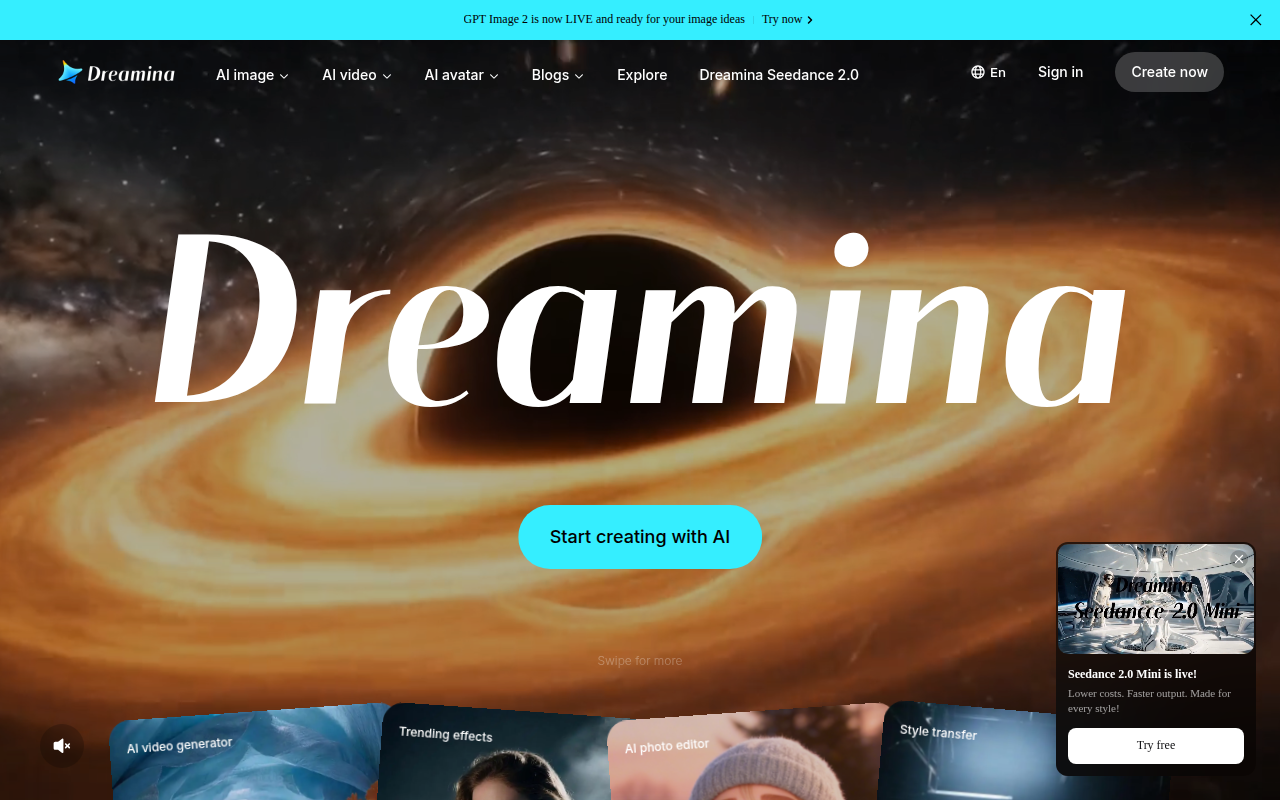
Dreamina (by CapCut / ByteDance) is an AI image generation platform powered by the Seedream model — known for its exceptional photorealism, surrealist aesthetics, and fine-grained control. Generate ultra-high-definition images from text prompts with professional lighting, rich detail, and diverse artistic styles — from hyper-realistic portraits to dreamlike fantasy scenes.
Updated
2026-10-22
Platforms
Web
Freemium
See the official site for current limits and plans.
* Pricing is for reference only; see the official site for current pricing.
Powered by ByteDance's Seedream model, Dreamina produces stunningly realistic images with precise lighting, textures, and depth of field.
Excels at surrealist, dreamlike, and cinematic aesthetics — from Magritte-inspired compositions to hyper-realistic fantasy and flowercore scenes.
Generate images with striking clarity — facial pores, individual eyelashes, fabric fibers — with professional volumetric lighting and tonal layering.
Control every aspect of the image — lens type, focal length, camera angle, depth of field, color palette, and lighting direction through detailed prompts.
Create surreal and fantasy scenes with fine-grained composition control.
Generate photorealistic portraits with professional lighting and rich detail.
Produce ultra-high-definition visuals across diverse artistic styles.
Quick start
Describe camera lens specifications like 85mm f/1.4 for portrait depth.
Use the inpainting brush to fix distorted hands before re-rendering.
Keep the character reference image in the same session for consistent faces.
Pro tip
Core tip: specify camera focal lengths and lighting angles. The Seedream engine responds accurately to photographic terms like volumetric lighting and shallow depth of field. Brush over artifacts with local inpainting rather than regenerating whole images.
If this tool is not the right fit, explore these alternatives