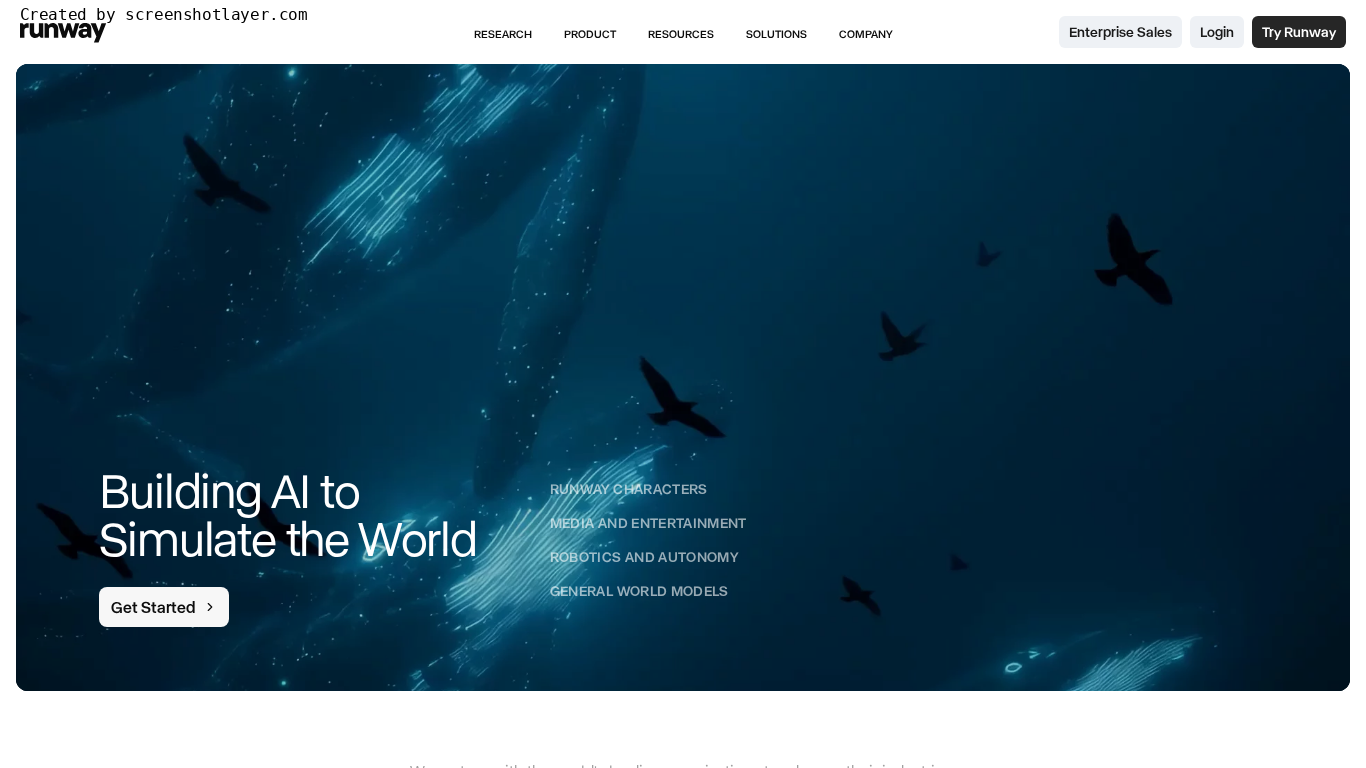

Runway
Alternative option
Video
Advanced AI video generation, editing, and VFX — all in your browser.
Video GeneratorImage Editing
Generate and edit images, videos, and voice in one AI-native creative suite
Higgsfield is an AI-native creative suite for generating images, videos, and voice content from text prompts or references. Its models handle motion transfer, character consistency, and one-command editing, with an API and an AI agent that automates creative workflows on web and mobile.
Updated
2026-10-21
Platforms
Web
Freemium
Freemium: signing up unlocks free generation features and promotional access such as unlimited Nano Banana Pro and Seedance 2.5, with an extra discount for new accounts. Paid plans and credit details were not listed on the pages captured; confirm current pricing and quotas on the official pricing page.
* Pricing is for reference only; see the official site for current pricing.
Generate videos up to 30 seconds from text prompts or reference media without hard limits.
Re-cast any motion with your own characters, locations, and products, or swap elements while keeping the rest untouched.
Create images and upscale or edit media, including unlimited access to Nano Banana Pro.
One superagent for your creative stack, generating content in Claude and exploring how each project was made.
Turn one upload into trend-ready clips with motion transfer and one-command edits.
Produce many branded video versions fast and swap products or scenes without reshooting.
Explore cinematic scenes with consistent characters, then upscale and polish in one place.
Quick start
Start with motion transfer on footage you already have, because it gives a usable result faster than building a shot from a text prompt.
Generate at the shortest duration that still proves the idea, then extend only the take that works instead of regenerating full clips.
Once a look is locked, reuse the same reference across character shots rather than describing the person again in each prompt.
Pro tip
Character consistency breaks down when the reference changes between shots, not when the prompt is short. Pick one reference per character and reuse it for the whole scene, then vary only the action. Produce the short vertical cut first if the output is aimed at social platforms: aspect ratio and pacing drive more rework than resolution does.
If this tool is not the right fit, explore these alternatives