

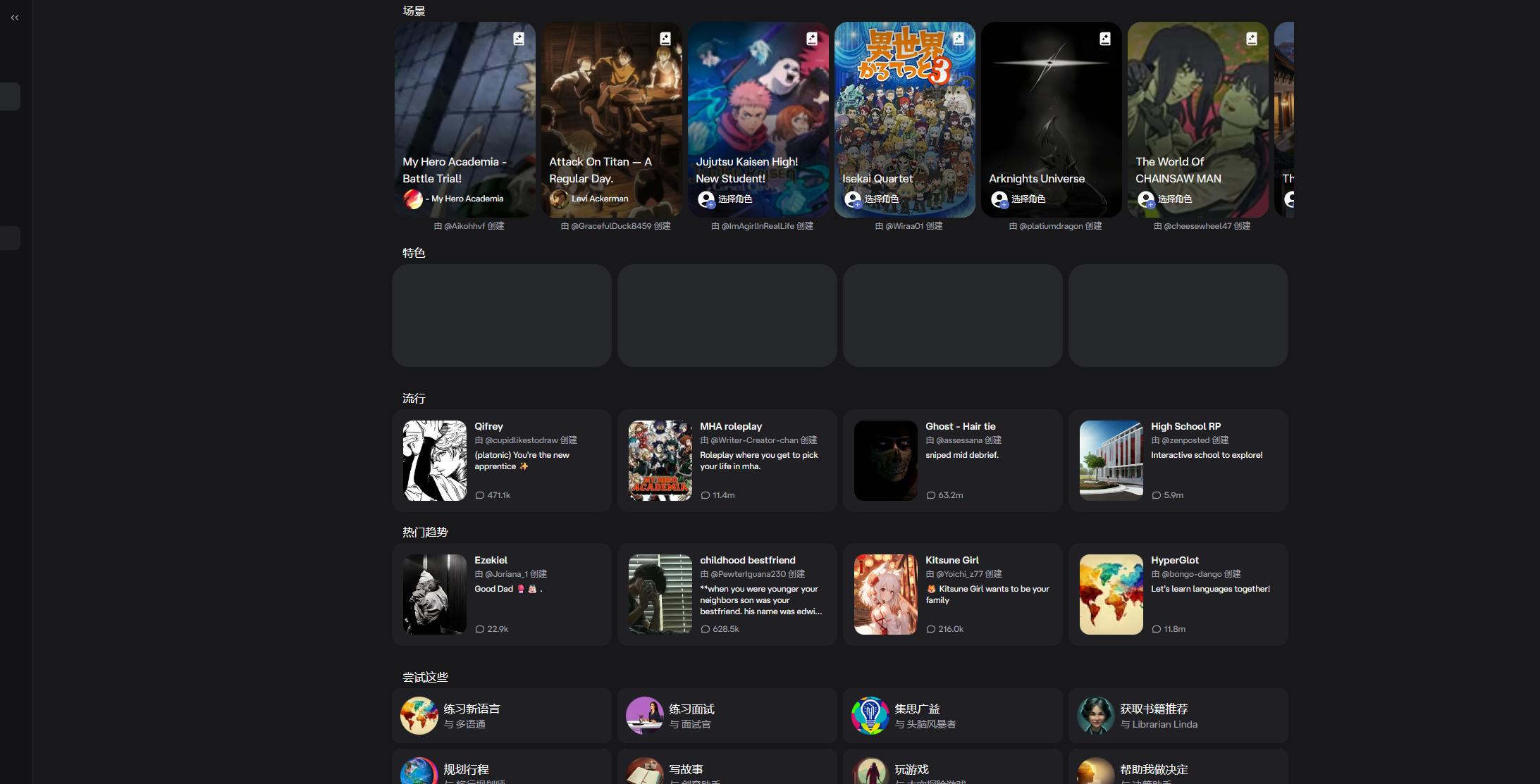

Character.ai
Alternative option
Entertainment
Chat with any character you imagine — or create your own.
ChatEntertainment
A companion you design yourself, with text, voice, and video chat
Kindroid is a companion app where you design the AI yourself: you write the backstory, personality, and appearance. You then talk by text, voice call, or live video, request selfies and animated avatars, and bring your Kin into group chats.
Updated
2026-10-21
Platforms
Web / iOS / Android
Freemium
Freemium: the official site lets you create an account and use the web app, while the help center keeps separate documentation for subscriptions and in-app purchases, so paid plans sit alongside free use. Prices, credits, and limits are not published on the pages captured, so confirm current plans on the official site.
* Pricing is for reference only; see the official site for current pricing.
Talk by text whenever you like, and your Kin carries context forward through its own long-term memory instead of starting over.
Switch to a voice or live video call when typing feels too slow and you want the Kin to sound present in the moment.
Request a selfie or turn a portrait into an animated avatar, so your Kin has a face that keeps moving with the conversation.
Put several Kin in one group chat or Room to run multi-character scenes, or share a Kin so friends can talk with it.
Write the backstory, personality, and appearance so your Kin reacts the way you imagined instead of sounding like a generic assistant.
Keep several Kin in group chats and Rooms so multi-character scenes continue across sessions instead of resetting with every new conversation.
Move from typing to voice calls, live video calls, and animated avatars when you want the companion to feel closer than a text thread.
Quick start
Write the backstory as a short biography with fixed facts, and leave one or two open threads for the conversation to develop instead of locking everything down.
Start with text chat until the voice feels right, then add voice calls; a Kin whose written voice is off will sound off on a call too.
Use separate Rooms or group chats for different contexts, so a roleplay thread and a daily check-in do not bleed into each other.
Pro tip
The design decisions that matter are what you leave undefined. Filling in every preference produces a Kin that answers correctly but never surprises you, while a few open questions give the conversation somewhere to go. Keep long-running scenes in their own Room rather than one endless chat, and revise the backstory when the roleplay drifts instead of correcting the same mistake in every reply.
If this tool is not the right fit, explore these alternatives

