
Grammarly
Alternative option
Writing
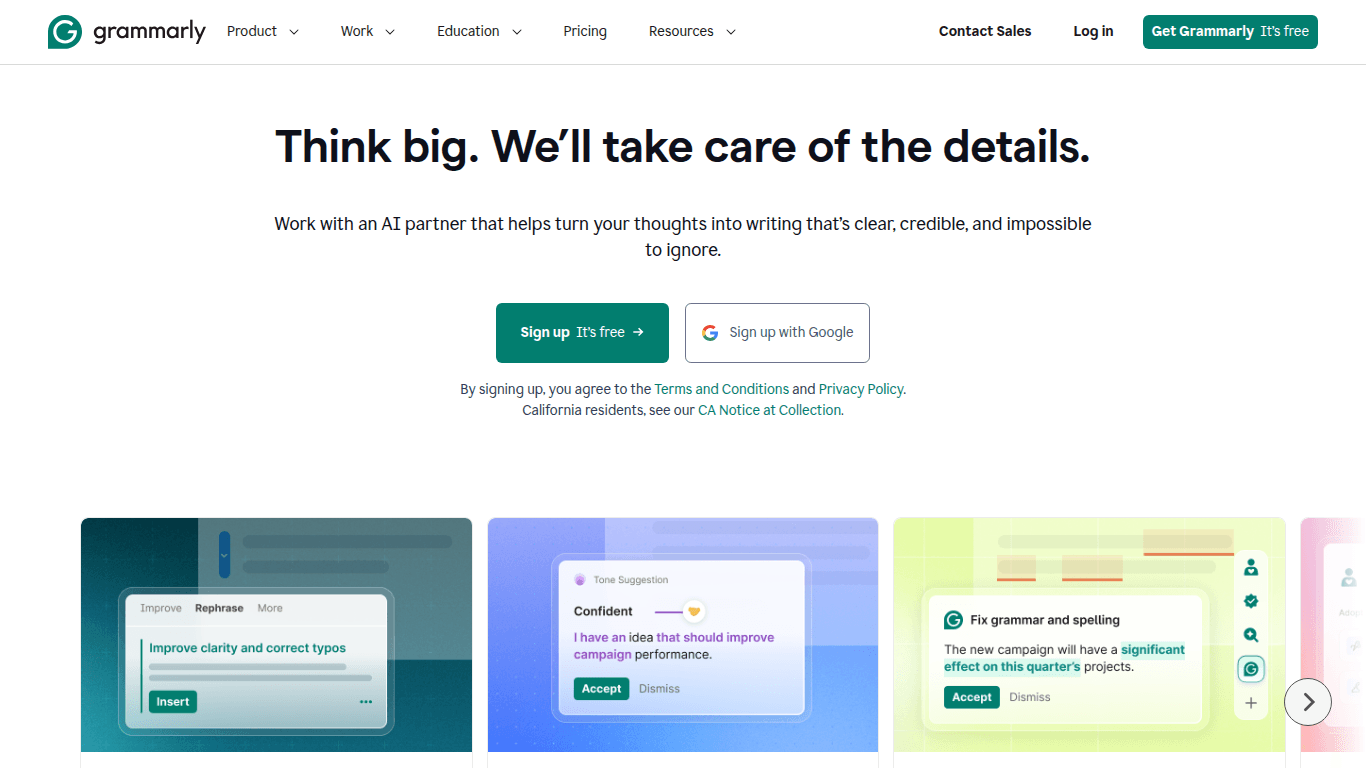
Grammarly helps professionals and teams write clearly and efficiently across any platform.
WritingProductivity

An open-source multilingual grammar, spelling, and style assistant for better writing across platforms
LanguageTool is a cross-platform multilingual writing assistant for grammar, spelling, style, and rewriting. It supports 30+ languages through browser, desktop, Word, Google Docs, and API integrations, with a strong focus on privacy.
Updated
2026-10-22
Platforms
Web / Browser Extension / Desktop / API
Freemium
Free: available at no cost, with checks of up to 10,000 characters at a time and basic spelling and grammar corrections.Premium: approximately $4.99–$5.83/month when billed annually or for two years; monthly billing can be about $24.90/month. Premium adds AI sentence rewriting, deeper style improvements, and formatting suggestions.Team: approximately $5–$9/seat/month, with shared team dictionaries and centralized account management. Prices may vary by billing term and promotion.
* Pricing is for reference only; see the official site for current pricing.
Identify common language errors across supported languages as you write.
Rewrite sentences and refine tone, style, and readability.
Use browser extensions, desktop apps, Word, Google Docs, and APIs.
Review longer content for punctuation, grammar, formatting, and clarity issues.
Check emails, documents, and social content in multiple languages while improving professional accuracy.
Find spelling, punctuation, and grammar issues in long texts and rewrite sentences for clarity.
Standardize tone and reduce language errors in high-volume replies and customer-facing documents.
Quick start
Set the document language explicitly; auto-detection misreads short or mixed-language text and reports false errors.
Add recurring proper nouns to the personal dictionary instead of dismissing them on every check.
Self-host the open-source server with an nGram data set when documents cannot leave your network.
Pro tip
Core tip: rules are stricter than a human editor. Style suggestions flag passive voice and long sentences that may be intentional in legal or academic text, so disable those rule categories per document type. Free checks cap characters, which means long files get truncated silently.
If this tool is not the right fit, explore these alternatives