

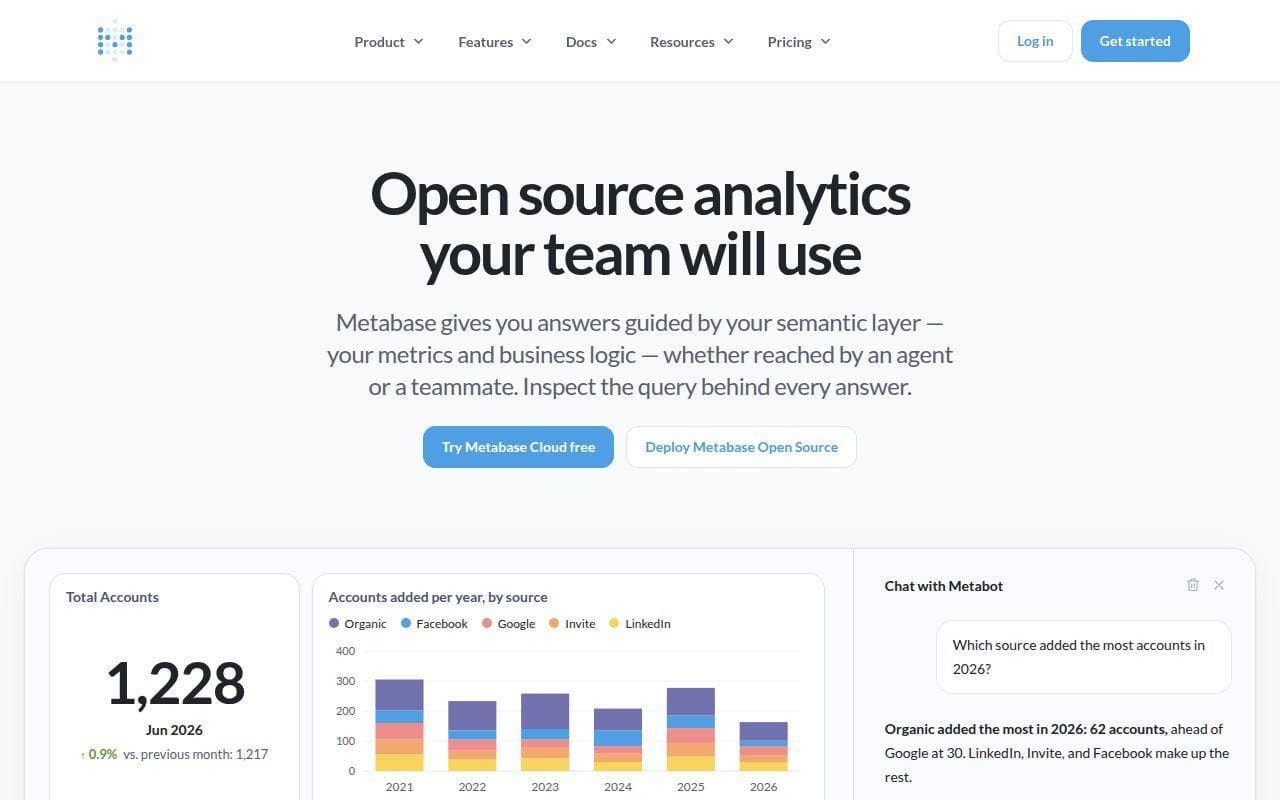

Metabase
Alternative option
Data
Accessible open-source BI for no-code exploration, SQL analysis, and embedded dashboards
Business IntelligenceData Visualization
Free cloud dashboards for connecting data, visualizing KPIs, and sharing reports
Looker Studio is Google's free cloud data visualization and self-service BI tool. It connects Google Analytics, BigQuery, Google Sheets, and hundreds of third-party sources to create interactive dashboards with real-time collaboration and sharing.
Updated
2026-09-11
Platforms
Web
Freemium
Looker Studio: 100% free, including most visualization components and core data-source connectors. Looker Studio Pro: about $9/user/month, adding enterprise asset management, project-space collaboration, scheduled report delivery, and Google support. The monthly/annual billing difference, connector quotas, enterprise terms, and current regional pricing should be confirmed on Google's official website.
* Pricing is for reference only; see the official site for current pricing.
Bring together Analytics, Ads, Sheets, BigQuery, and partner connector data in one report.
Use charts, filters, and calculated fields to present live business metrics clearly.
Use Pro capabilities to schedule report delivery and keep stakeholders updated.
Collaborate in the browser, share access-controlled reports, or embed them on web pages.
Combine Google Analytics, Ads, and Search Console data into campaign performance reports.
Create shared KPI dashboards from Sheets and business data without a large BI budget.
Visualize BigQuery and other connected sources in collaborative browser-based reports.
Quick start
Build one reusable data source per tool and reuse it across reports, instead of reconnecting inside every page.
Set the date dimension explicitly and keep one time zone across sources, or blended charts shift by a day.
Copy a template report before editing so the original layout stays available for the next client.
Pro tip
Core tip: blending is where numbers stop agreeing. Joins between two connectors match on a shared key and can drop rows when the key format differs. Check totals against one source, use extracted data for slow connectors, and remember free reports share the same viewer permissions as the source sheet.
If this tool is not the right fit, explore these alternatives