GPTZero
Alternative option
Writing
Check writing for AI-associated patterns and review sentence-level findings
AI DetectionWriting Review
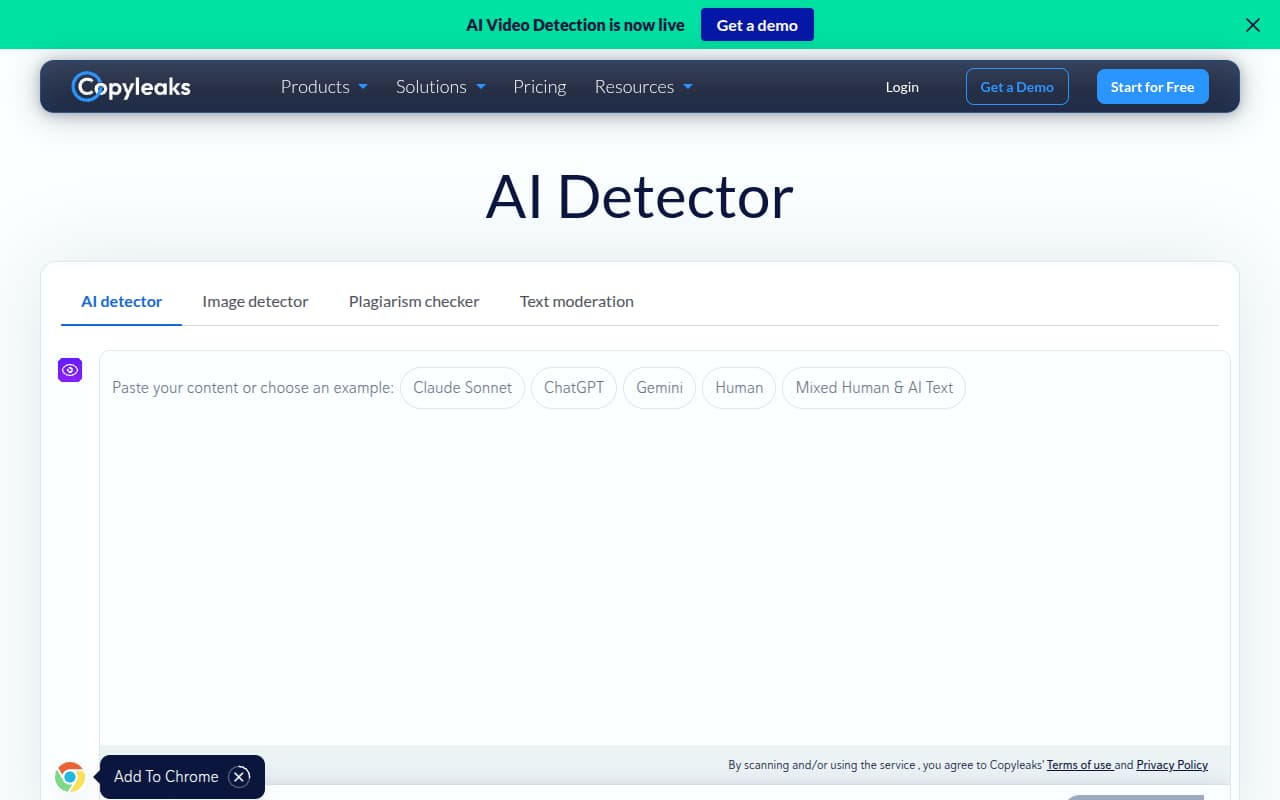
Check content for AI patterns and plagiarism, then share scan reports
This service combines AI-generated text detection with plagiarism checking for publishers, agencies, educators, and writers. Its web scanner, browser extension, API, and shareable PDF reports support individual reviews and team workflows, with free credits available to try the service.
Updated
2026-10-26
Platforms
Web / Chrome Extension / API
Freemium
A free account includes 100 credits, and the site lists additional plans for different audiences; purchased credits expire after two years, so check current terms before scaling.
* Pricing is for reference only; see the official site for current pricing.
Scan writing for patterns associated with AI-generated content and review the result as one input to an editorial decision.
Check for matching or potentially copied text alongside AI signals, giving reviewers two distinct checks in one workflow.
Save scan history and share a report link or PDF so editors and collaborators can review the same findings.
Use the browser extension or API to bring checks into publishing and education workflows instead of copying every document manually.
Review contributed articles for AI signals and matching text before editing or approving content for publication.
Run repeatable checks across client deliverables and share report links or PDFs with editors and stakeholders.
Combine AI detection and plagiarism checks when reviewing writing, while treating both signals as prompts for discussion.
Quick start
Scan one representative article first, then review its AI-detection and plagiarism findings as separate checks.
Save or share the report link or PDF with an editor so everyone can review the same scan.
Install the Chrome extension to check text directly from a supported browser workflow.
Pro tip
Core tip: Keep the AI and plagiarism findings separate. Do inspect each result for the question it answers; don't treat an AI score as a similarity match or a plagiarism match as proof of AI use. When handing a report to an editor, include the original draft and review context rather than forwarding a score alone.
No. AI detection looks for patterns associated with generated text, while plagiarism checking looks for matching material. Review the two findings independently and verify relevant sources before deciding what a document needs.
A scan report can summarize text findings, but it is not a complete record of authorship or editing history. Use drafts, contributor notes, and direct clarification when you need to understand how a passage was produced.
Treat the result as a prompt to review, not as a verdict. Check the highlighted text against the author's drafts and sources, then ask for context; do not assume that a flagged passage was generated or copied.
If this tool is not the right fit, explore these alternatives