

Gauthmath
Alternative option
Learning
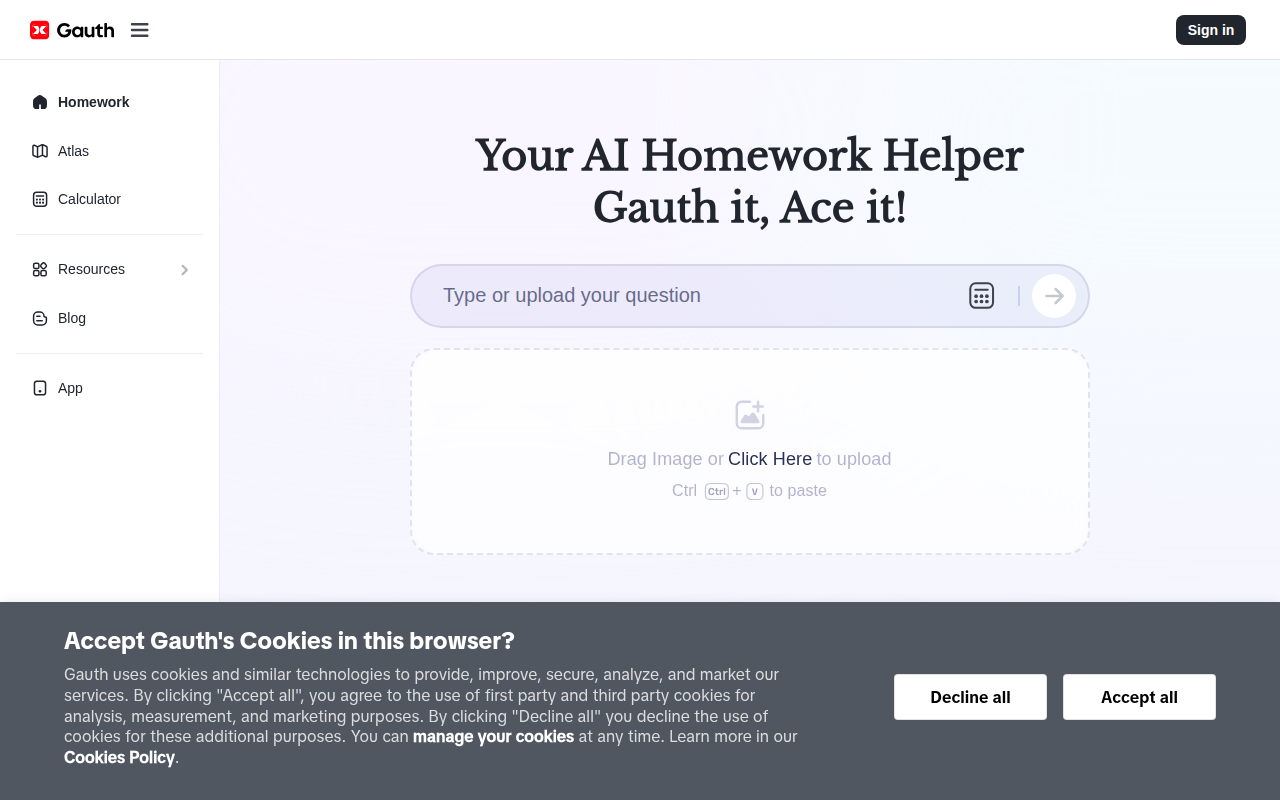
Snap a photo to solve math and science problems in seconds, with detailed logic breakdowns and step-by-step guidance.
Photo Problem SolvingMath & Science

Solve homework from photos, ask academic questions, and summarize study materials for free.
Question AI is a free homework assistant for solving photographed problems, answering academic questions, and summarizing study materials. It supports math and multiple school subjects across desktop and mobile, with image input, AI chat, PDF uploads, and concise explanations.
Updated
2026-10-22
Platforms
Web / Windows / Mac / iOS / Android
Free
Free tier: The official site states that Question AI's core features are free, including problem solving, AI chat, PDF uploads, and summarization.Paid plans: No paid plan was identified in the available official information; check the official site for any future changes.
* Pricing is for reference only; see the official site for current pricing.
Take a picture of a math or homework problem and receive a solution quickly.
Ask follow-up questions and get concise answers while working through academic problems.
Upload study documents and reduce longer textbook or PDF content into clearer summaries.
Work across math, biology, history, social science, English, business, and other study topics.
Photograph homework problems and receive fast explanations across math and other school subjects.
Use step-by-step answers and AI chat to clarify difficult questions while studying independently.
Upload PDFs and summarize textbooks or long passages into more manageable notes.
Quick start
Photograph one problem per shot with the full question visible, since multi-question pages confuse the parser.
Ask it to show the steps and the concept behind them, not only the final value.
Upload the chapter PDF and ask for the exam-relevant points instead of reading every page.
Pro tip
Core tip: solve, then re-solve unaided. The answer arrives fast enough that copying feels efficient, but recall only forms on the second attempt. Cover the solution, redo the problem on paper, and only then compare where your steps diverged.
If this tool is not the right fit, explore these alternatives


