

Runway
Alternative option
Video
Advanced AI video generation, editing, and VFX — all in your browser.
Video GeneratorImage Editing
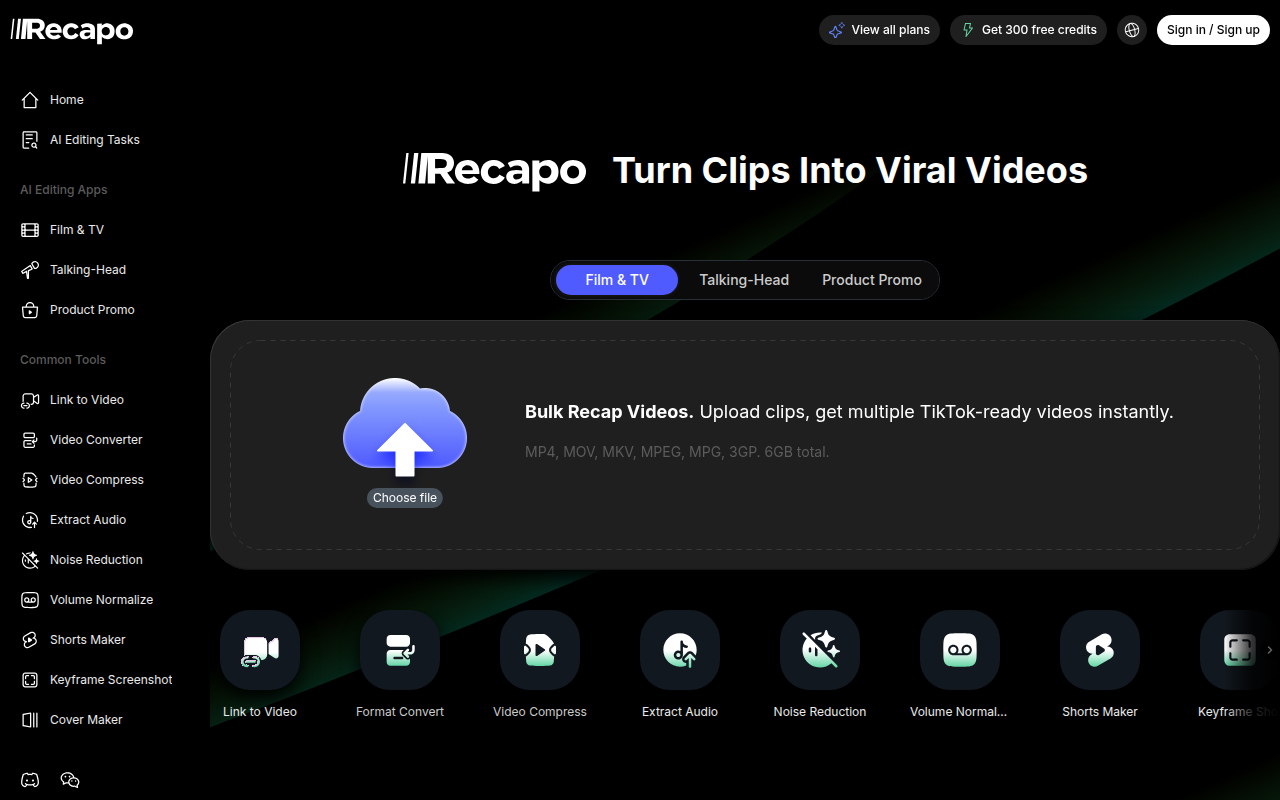
AI video recap tool — turn long videos into highlights, scripts, and Shorts.
Recapo turns long videos into finished recaps, highlights, and Shorts-ready clips. Upload hours of footage and get auto-generated summaries, subtitle drafts, recap scripts, AI voiceover directions, and vertical versions for TikTok, Reels, and YouTube Shorts — built for creators, podcasters, and livestream clippers.
Updated
2026-10-22
Platforms
Web
Freemium
Free tier has limited processing minutes
* Pricing is for reference only; see the official site for current pricing.
Automatically identify the most shareable moments from hours of footage — podcast picks, key quotes, story turns, and viral segments.
Get accurate subtitle drafts and formatted captions optimized for TikTok, Reels, and YouTube — no manual transcription needed.
Generate recap scripts, scene breakdowns, hooks, and voiceover copy based on your video content or transcript.
Crop horizontal videos into 9:16 vertical format. Export highlight clips directly to YouTube Shorts, Instagram Reels, and TikTok.
Turn long footage into highlights, recaps, and vertical Shorts-ready clips.
Extract quotable moments and create subtitle drafts and recap scripts from long episodes.
Find standout moments in hours of livestream footage and export vertical clips for social platforms.
Quick start
Upload video footage with clear audio to generate the transcript first.
Select the 9:16 vertical crop preset and review key subtitle timestamps.
Pick the hook from the transcript before generating the recap script.
Pro tip
Core tip: edit transcript text directly to trim video sections. Deleting unneeded sentences cuts matching video ranges automatically, avoiding manual timeline scrubbing. Automated recap scripts still need human editorial review to ensure punchy hook pacing.
If this tool is not the right fit, explore these alternatives