Navify AINavify AI

AI tools curated for creators, developers, marketers, and modern teams.

Navigate

  • Home
  • About
  • Submit Tool
  • Topics
  • Sitemap
  • Browse all AI tools
  • Partners

Legal

  • Terms of Service
  • AIGC Content Standards
  • Privacy Policy
  • Refund & Cancellation Policy
  • Cookie Policy
  • Contact Us

© 2026 NavifyAI. All rights reserved.

NavifyAI - Search, compare, and find the right AI tools in one place. | Product HuntFeatured on FazierFeatured on Twelve ToolsNavifyAI - Featured on Startup FameNavifyAI — Featured on Smol Launch

Built for creators

Navify AINavify AI
AboutSubmit Tool
Find the best AI Tools
to bring your ideas to life

Handpicked AI apps, precisely categorized to boost your workflow.

Try "image generation"…Try "image generation" or "video generation"…
🔥 Featured topics:How to Choose a Local AI Coding AssistantAnime AI Character Chat & Story CreationView all →

Browse AI tools by category

AllChatImageVideoCodingWritingResearchProductivityLearningDataDesignAudioEntertainment
All

AI Terminal Coding Tools

Explore AI tools that understand projects, run commands, and assist with coding in the terminal. Compare command generation, code changes, environment access, permissions, and workflow speed.

How to choose

  • Pick by usage: interactive Q&A and command generation depend on explanations and safety hints, autonomous execution depends on project understanding and multi-step planning, and hooking into scripts depends on APIs and non-interactive modes.
  • Permissions and safety are the floor: check how writes and network access are confirmed, and choose sandboxing, approval flows, or read-only modes for sensitive environments.
  • Evaluate context: reading project structure and shell history to understand your workflow decides suggestion quality, so trial with a real repo before committing.

Explore the AI tools directory

7 tools found

Claude Code

Paid
Coding

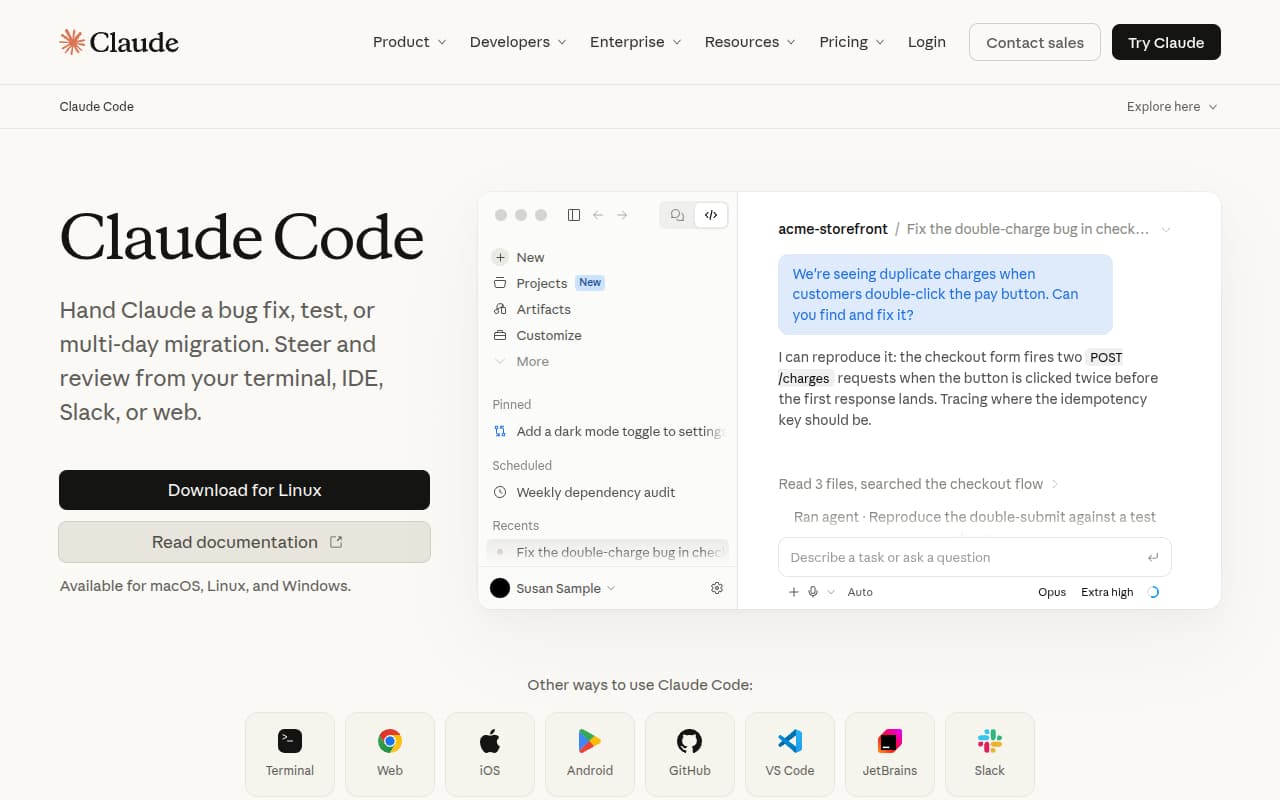
Delegate bug fixes and multi-day migrations from your terminal, IDE, Slack, or browser

Coding AgentTerminal

OpenAI Codex

Freemium
Coding

Inspect, edit, and run code from the terminal, then hand longer tasks to the cloud

Coding AgentTerminal

OpenCode

Freemium
Coding

An open-source coding agent for the terminal, desktop, and IDE with 75+ model providers

Coding Agent

Gemini CLI

Free
Coding

A terminal-based Gemini assistant for local AI conversations and code automation

TerminalGemini

AMD Infinity Hub

Free
Coding

AMD's official repository of LLM and HPC container resources.

APICodingGPU

NVIDIA NIM

Freemium
Coding

NVIDIA's official enterprise-grade AI model playground and fine-tuning cloud platform.

APICodingGPU

Aider

Free
Coding

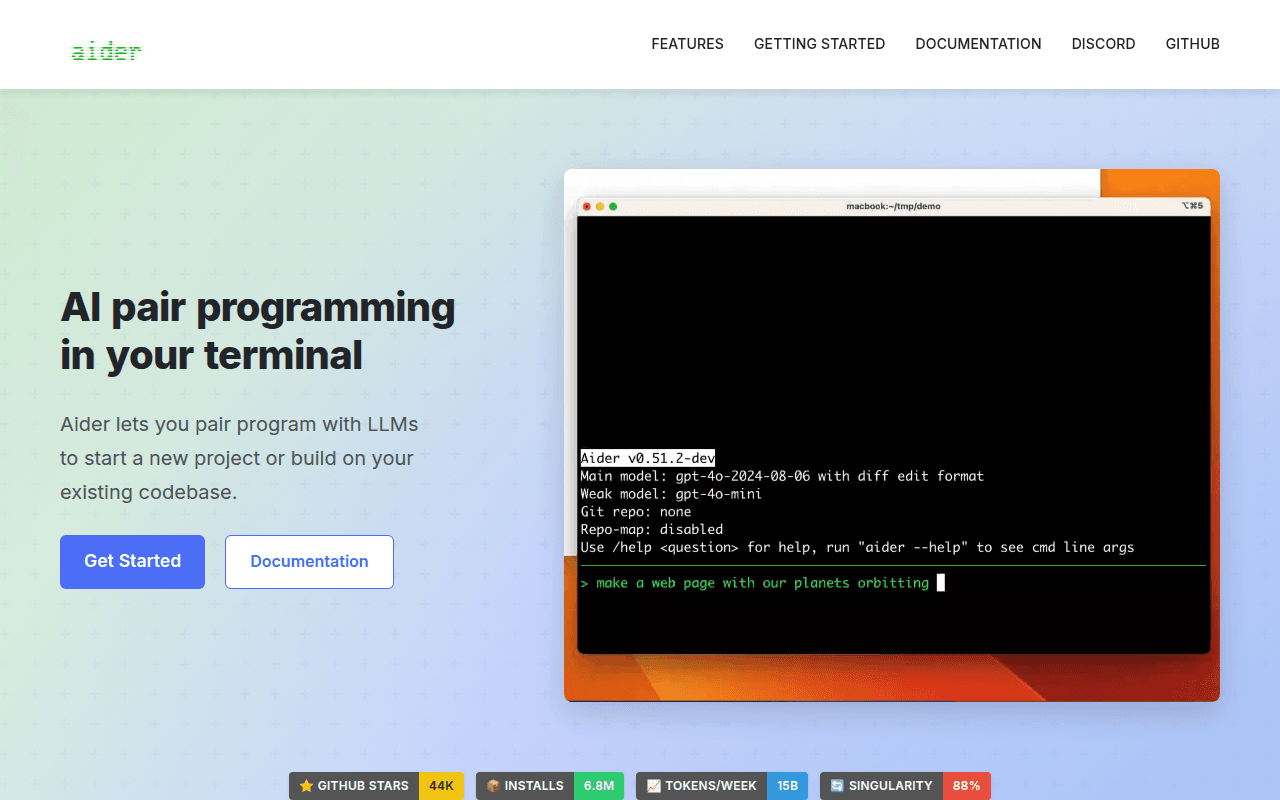
AI pair programming in your terminal — edit your codebase with your favorite LLM.

Open Source

Frequently asked questions

How do terminal AI tools differ from IDE AI?

Terminal tools target command-line work: generating shell commands, explaining errors, and driving git and environments, which suits servers and scripting. IDE extensions focus on code editing. The two pair well, each covering one stretch of your workflow.

Is it safe to let AI run commands?

Risk depends on permission design. Keep per-step confirmation, review dangerous commands such as deletes, overwrites, and pushes, and run in containers or test environments when possible. Prefer read-only mode in production.

Which shells and platforms are supported?

Most tools cover Bash, Zsh, PowerShell, and major operating systems, though syntax details vary by platform. Run your daily shell and check completion and history compatibility.