
Cursor
Alternative option
Coding
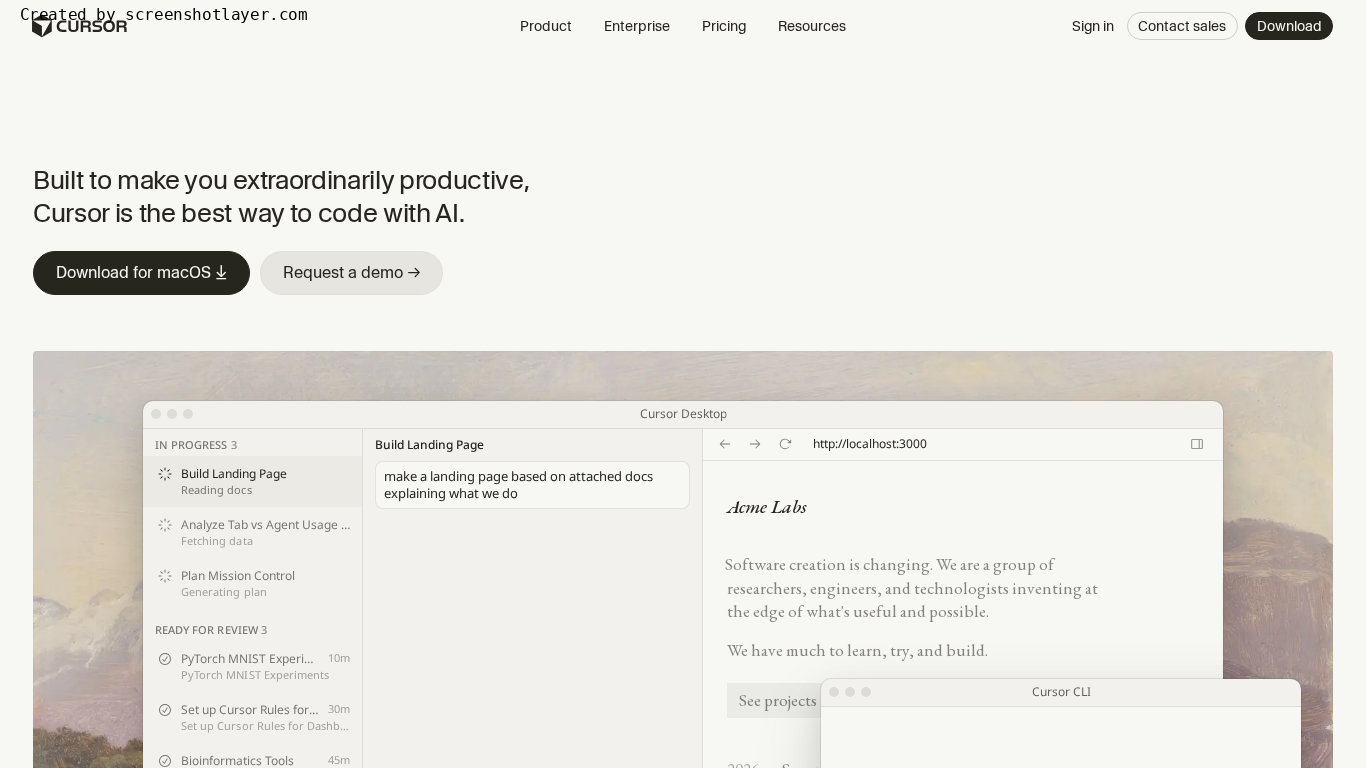
AI-first code editor built for extraordinary productivity.
CodingDeveloper Tools
Delegate bug fixes and multi-day migrations from your terminal, IDE, Slack, or browser
Claude Code is Anthropic's agentic coding tool that reads a codebase, plans changes, edits files, runs tests, and opens pull requests from the terminal, IDE, Slack, web, or mobile. It runs locally with permission checks and supports multi-hour refactors and migrations.
Updated
2026-10-21
Platforms
Windows / macOS / Linux / Web / iOS / Android
Paid
Paid: Claude Code is included in Claude Pro, Max, Team, and Enterprise plans, or billed at standard API pricing through a Claude Console account. The site lists Pro at $20 per month when billed monthly, with usage limits; confirm current Max, Team, and Enterprise prices on the official page.
* Pricing is for reference only; see the official site for current pricing.
Maps project structure and dependencies in seconds without manually selecting context files.
Builds a plan, asks clarifying questions, follows imports across the repository, and keeps working through failures.
Works with GitHub, GitLab, and command-line tools to read issues, write code, run tests, and open pull requests.
Steer and review the same work from the terminal, VS Code, JetBrains, Slack, a browser, mobile, or the desktop app.
Keep exploration, edits, tests, and follow-ups in one terminal loop with direct access to the local repository.
Hand off multi-hour refactors that follow imports across the repo, run tests, and keep going when something breaks.
Turn issues into tested pull requests without bouncing between the tracker, editor, and command line.
Quick start
Start claude at the repo root and make it read before it writes: ask where a module's entry point and data flow live, then check it opened the right files.
Hand over one narrow task, such as fixing a single failing unit test, and watch which commands it runs and which files it touches.
Let it run the tests and open the PR itself, then move on to larger refactors once the output is reviewable.
Pro tip
Split long tasks into plan, confirm, execute: ask for the change plan and file list only, cut the extra items, then approve. Keep a CLAUDE.md in the repo with directory conventions, test commands, and off-limits folders. It beats repeating the same context in every conversation and noticeably cuts unrelated edits.
If this tool is not the right fit, explore these alternatives