
Runway
Alternative option
Video
Advanced AI video generation, editing, and VFX — all in your browser.
Video GeneratorImage Editing

A commercially safe AI video model for editors and creative teams, with text-to-video, image-to-video, and generative extension
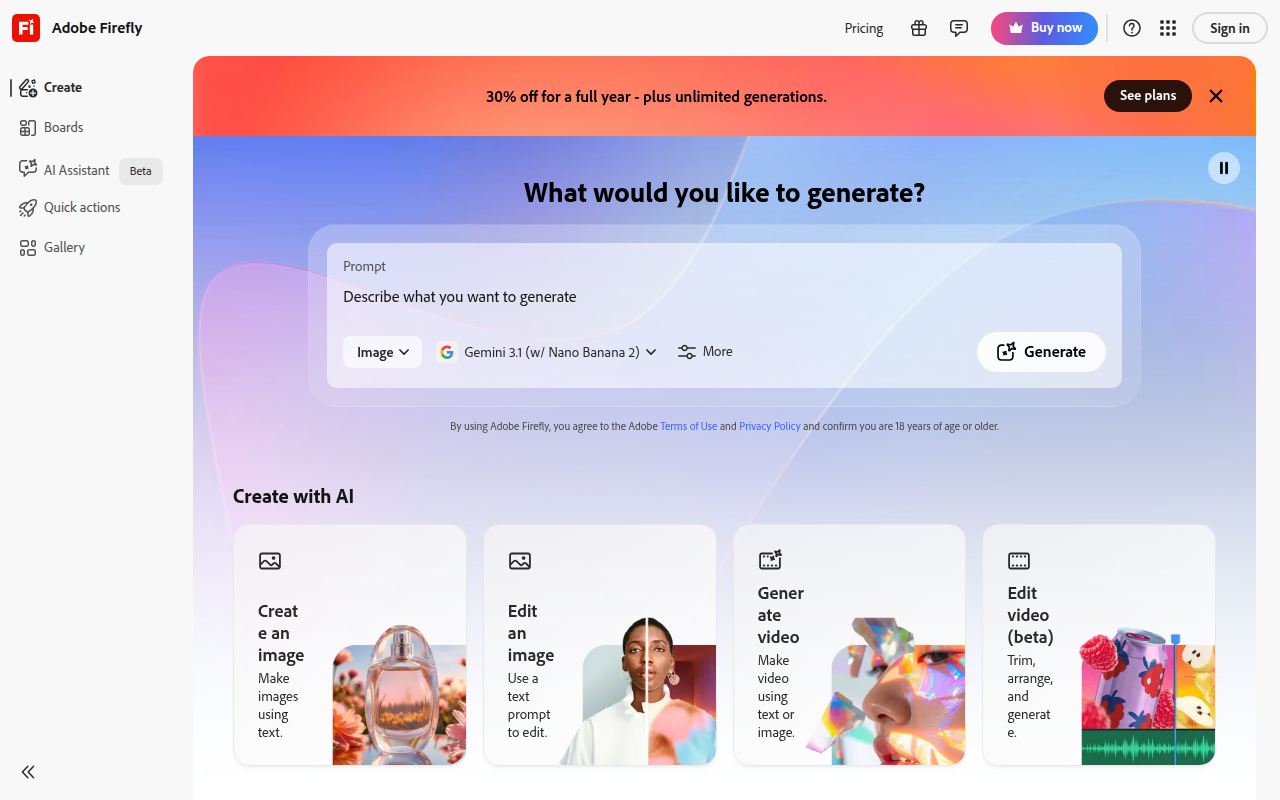
Adobe Firefly Video is Adobe's generative video model for professional creative work, integrated with Premiere Pro and the Firefly web app. It generates clips from text or images and supports camera motion, frame extension, and intelligent frame interpolation.
Updated
2026-09-10
Platforms
Web / Desktop / Premiere Pro
Freemium
Firefly uses Generative Credits and can be subscribed to separately or included with Creative Cloud plans.Firefly Standard / Pro: approximately $9.99–$19.99/month, with 2,000–4,000 credits for generating video and other content.Pro Plus / Premium: approximately $49.99–$199.99/month, with 10,000–50,000 credits, higher priority, and unlimited generation access for selected video models. Credit consumption and model availability vary by plan; confirm current pricing with Adobe.
* Pricing is for reference only; see the official site for current pricing.
Create short video footage from natural-language creative direction.
Turn static images into motion assets for campaigns and creative edits.
Create additional frames to repair edits, transitions, and missing footage.
Bring generation and editing into established professional post-production workflows.
Extend shots, create transition B-roll, and repair footage without costly reshoots or manual frame matching.
Turn product images and campaign copy into polished video ads with a commercially safer workflow.
Create short visual assets and variations quickly for campaigns, explainers, and social channels.
Quick start
Start from an image rather than a text prompt when the shot must match existing footage, then add camera motion.
Use generative extend on the head or tail of a clip instead of regenerating the whole shot around a gap.
Check the generated clip's frame rate against your sequence before importing it into the timeline.
Pro tip
Core tip: short clips hide model weaknesses. Generation cost and artifacts grow with duration, so produce three to five second pieces and cut them together. Keep real people and logos out of the prompt unless you hold the rights, and check branding by hand on any frame that will run as an ad.
No. Adobe's FAQ describes training the initial commercial Firefly model on Adobe Stock, openly licensed, and public-domain content. Firefly now includes multiple models, so check the terms for the specific model you select.
No blanket guarantee follows from the training description. Check the selected model's terms and review prompts, reference assets, and output for third-party rights before using a clip in a campaign.
Do not assume so. Adobe supports the Content Credentials standard for indicating generative AI use, but verify whether credentials are attached to the specific export and preserved by the next editing or publishing step.
If this tool is not the right fit, explore these alternatives