
Cursor
Alternative option
Coding
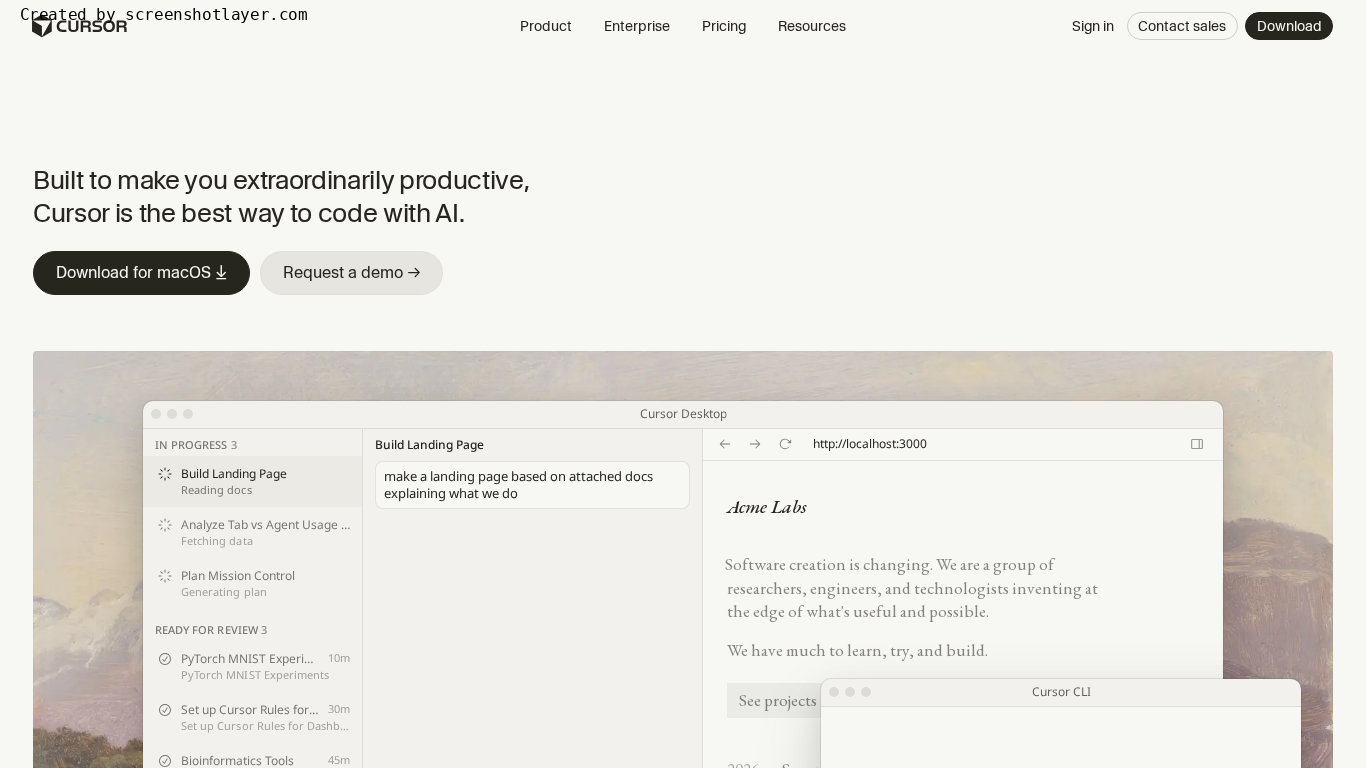
AI-first code editor built for extraordinary productivity.
CodingDeveloper Tools
Run multiple coding agents in parallel and review their plans, artifacts, and diffs
Google Antigravity is an agent-first development platform with a desktop app, IDE, CLI, and editor extensions. It runs multiple coding agents in parallel, produces reviewable plans and artifacts, and supports frontier Gemini, Claude, and GPT models on a free individual tier with paid Pro and Ultra plans.
Updated
2026-10-21
Platforms
Windows / macOS / Linux / Web
Freemium
Freemium: the Individual plan is $0 per month with access to a variety of agent models, unlimited tab completions, unlimited command requests, and basic weekly rate limits. Google AI Pro and Ultra add more rate limits and a flexible AI credit pool; Business is available through Google Cloud, with Standard/Plus plans from $30 per seat per month or pay-as-you-go consumption pricing. Confirm current limits and model access on the official pricing page.
* Pricing is for reference only; see the official site for current pricing.
Manage multiple local agents in parallel across Projects, workspaces, and background subagents.
Inspect implementation plans, walkthroughs, screenshots, and verification tests before accepting changes.
Work in the Antigravity App, Antigravity IDE, CLI, or extensions for VS Code, JetBrains, Zed, and Xcode.
Start at $0 per month with agent model access, unlimited tab completions, and unlimited command requests.
Run multiple agents across a large repository while reviewing plans, diffs, and verification artifacts.
Move from prototype to production with designed artifacts and comprehensive verification tests.
Use browser-in-the-loop agents to automate repetitive UX development and verification.
Quick start
Give each parallel agent a different slice of the task, such as one module or one bug, instead of running the same prompt twice and comparing.
Treat the plan and verification output as the review surface: approve the plan before the agent writes, then read the artifacts rather than re-reading every diff line.
Keep the IDE for interactive work and the CLI for repeatable runs, so the same review habit covers both.
Pro tip
Parallel agents only pay off if each one has an isolated scope and a clear finish line. Two agents editing overlapping files produce conflicts you then have to resolve by hand, which costs more than running them in sequence. Because the individual tier is free with model availability tied to the plan, validate your workflow there before paying, and recheck which models your plan exposes when output quality suddenly changes.
If this tool is not the right fit, explore these alternatives