Clipdrop
Both are Image Editing & Enhancement
Image
AI image toolkit — remove backgrounds, clean up, upscale, and relight in seconds.
Image EditingBackground Removal
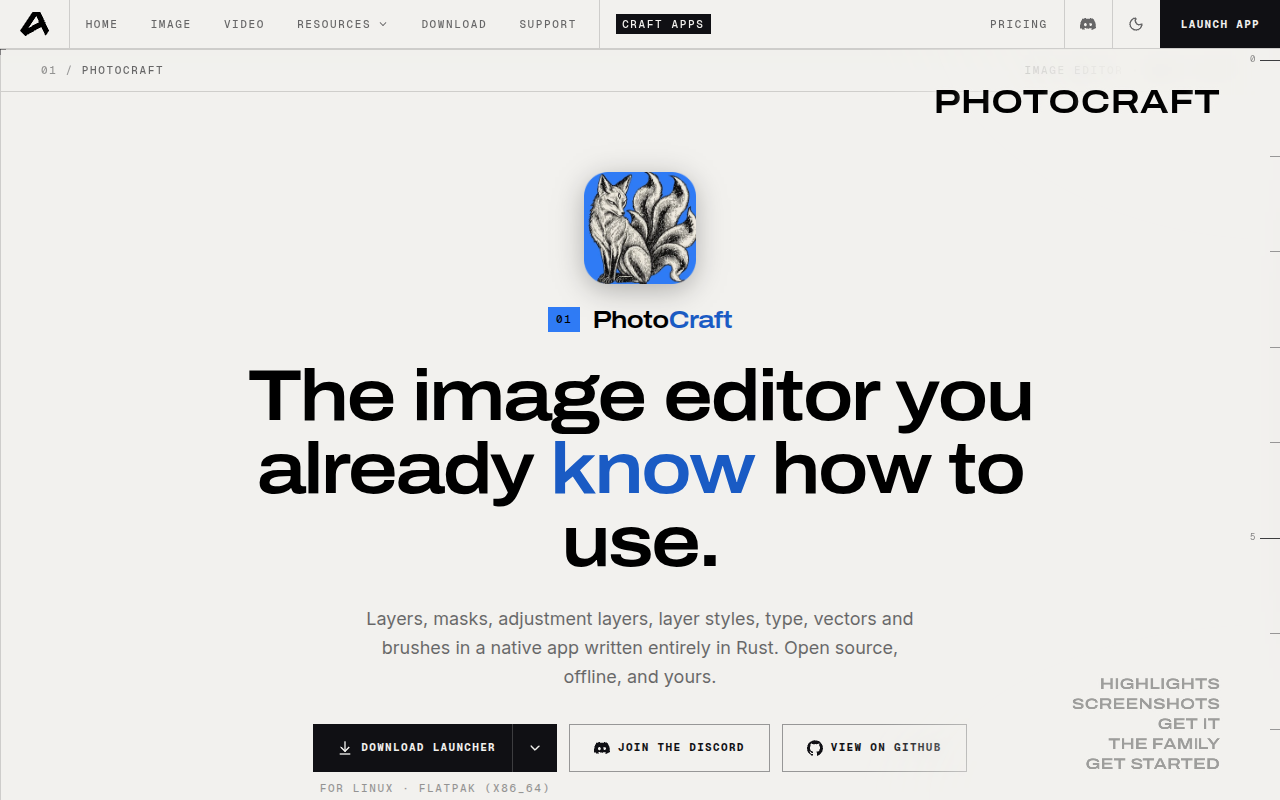
A free Rust image editor with real PSD files and MCP automation
PhotoCraft is a free, open-source image editor that clean-room reimplements Photoshop in pure Rust for macOS, Windows, Linux, FreeBSD, and the browser. It ships layers, masks, adjustment layers, layer styles, pickable selections, ICC colour management, and real PSD/PSB editing, with 500+ commands scripts and agents can drive over CLI and MCP.
Updated
2026-10-25
Platforms
Windows / macOS / Linux / FreeBSD / Web
Free
Free and open source: every desktop platform, the CLI, and the WebAssembly build are released under MIT or Apache-2.0, cost nothing, and need no subscription; core editing runs offline on your own machine.
* Pricing is for reference only; see the official site for current pricing.
Stack, mask, and reorder Levels, Curves, and filter previews while original pixels stay untouched, so a grade can be re-tuned days later.
Open and re-save layered Photoshop documents with styles and smart filters intact, and keep blocks the app has not modelled instead of dropping them.
Composite on Metal, Vulkan, DX12, or WebGPU at 8 to 32 bits with ICC profiles and soft proofing, so heavy files stay responsive before print.
Run the same command registry from the UI, a script, or an AI agent, turning folder-wide sharpen and curves passes into repeatable batches.
Keep familiar menus, shortcuts, and panels while opening and re-saving layered PSD and PSB files locally, without a recurring license.
Work in 8, 16, or 32-bit RGB, CMYK, Lab, and grayscale with ICC profiles and soft proofing, so print checks happen before export.
Call the same 500+ command registry the UI uses through the CLI, JSON channel, or MCP server instead of scripting mouse clicks.
Quick start
Install the 0.10.0 build or run it from source, then open an existing PSD to check layer styles first.
Re-save under a new name and compare at full size; round trips render consistently but are not byte-identical.
Move repeat edits into an actions JSON and run photocraft-cli batch over the whole folder.
Pro tip
Core tip: wiring is not parity. All 67 tools exist, yet the README still calls 0.10.0 an early alpha with 15 missing tools and no AI generation, so keep Photoshop for the steps those gaps block and test Affinity files before relying on them.
Not yet. The README calls version 0.10.0 an early alpha with 15 missing tools, shallow typography and pro workflows, and no plug-in support. Pilot it on non-critical work and keep Photoshop for the specific steps those gaps block.
No. Re-saving rewrites image resources, layer records and the composite: renders match for 307 of 309 psd-tools files, but bytes do not. Only the standalone photocraft-psd crate round-trips byte for byte, so keep originals before batch overwrites.
Yes on all three: Linux ships AppImage, deb, rpm, Flatpak and tarballs for x86_64 and ARM64, plus FreeBSD and a WebAssembly build you host yourself. Verify the Web build on your browser for large files before committing a team to it.
Commands match the menus, but the authenticated loopback control channel for inspecting UI state and taking offscreen screenshots ships only with the desktop app. Headless CLI and MCP still run commands, so automation works without that channel.
Explore a few similar tools next